Need a full custom project? See the options below.
Need a full custom project? See the options below.
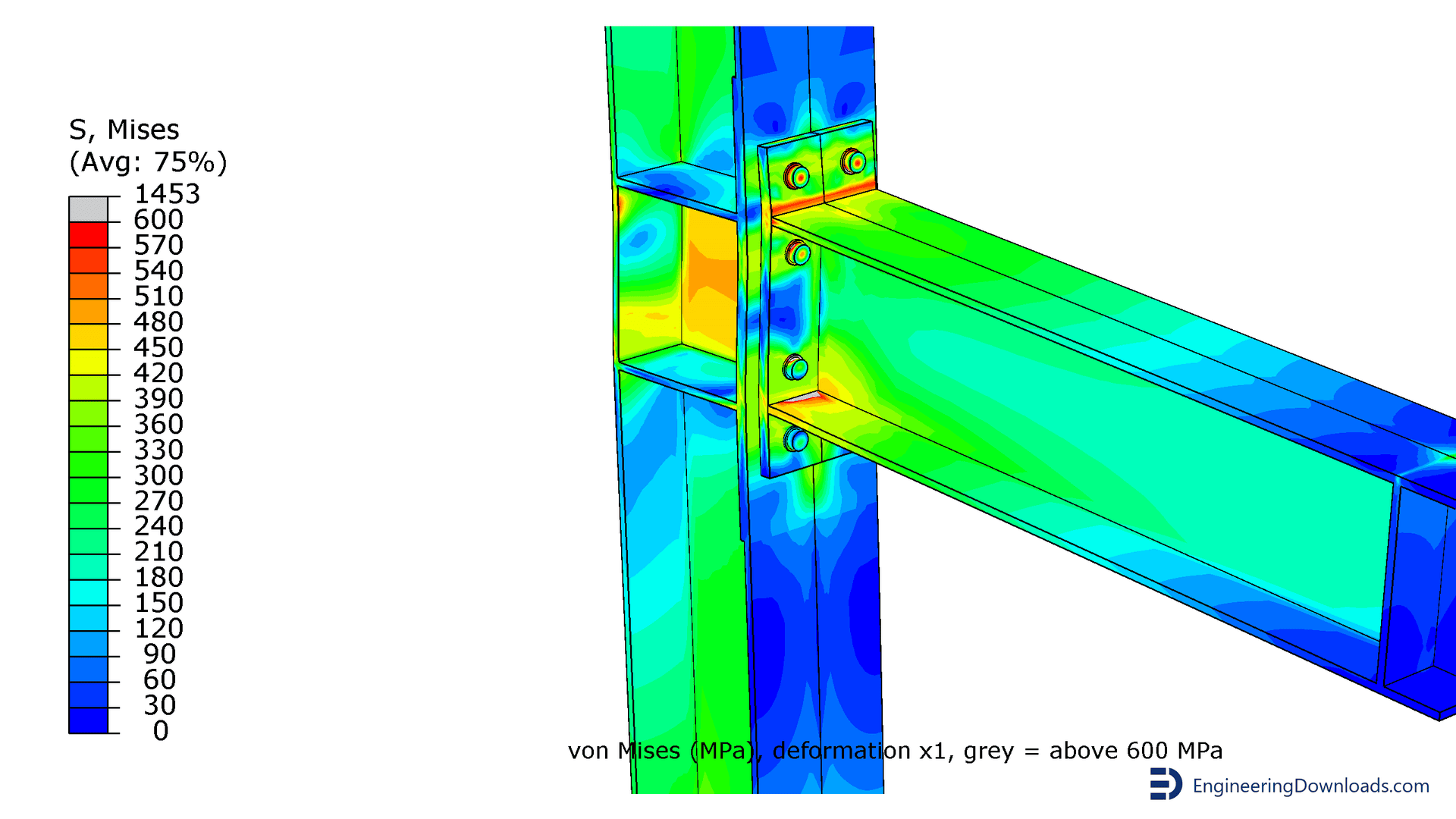
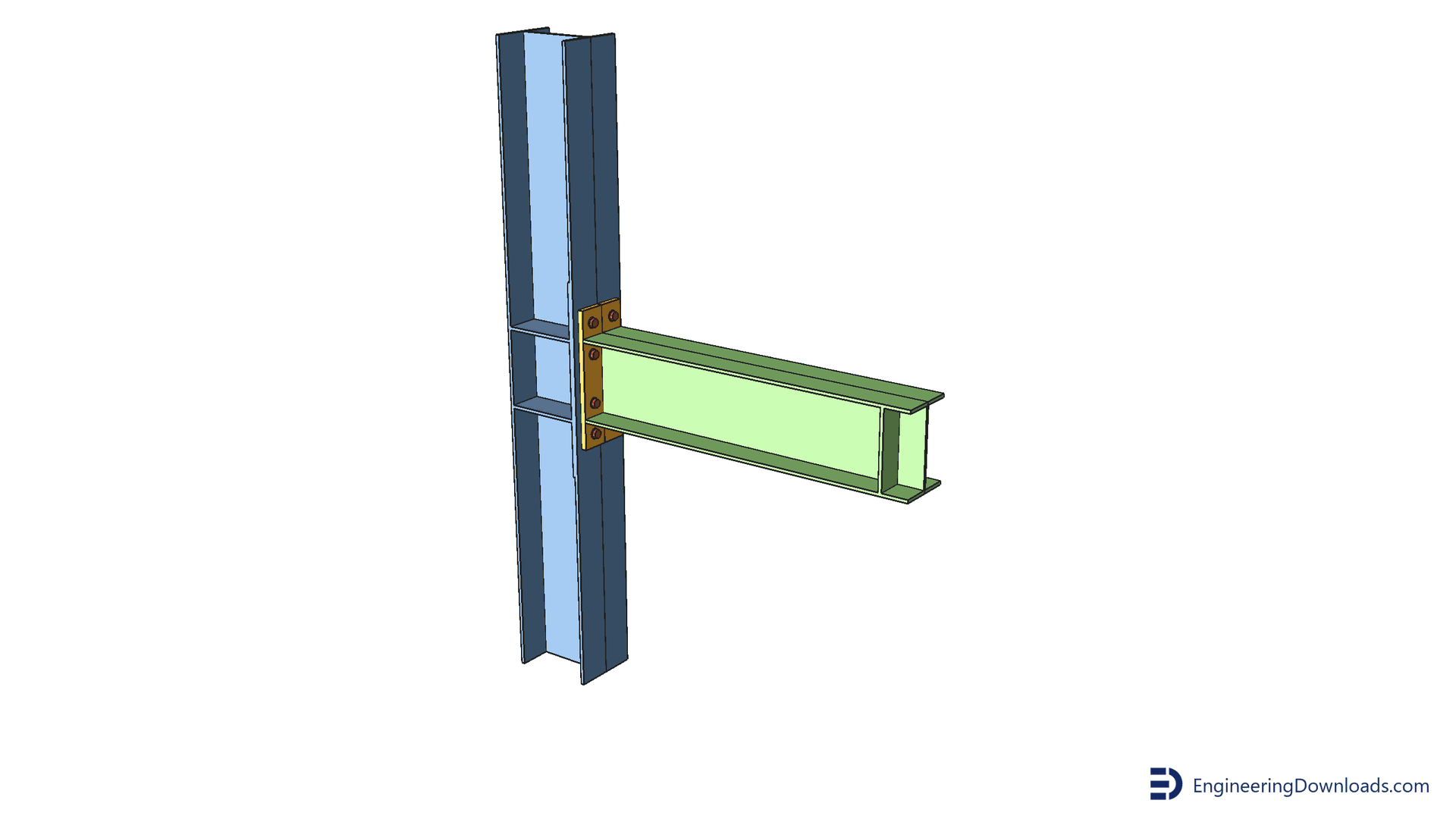
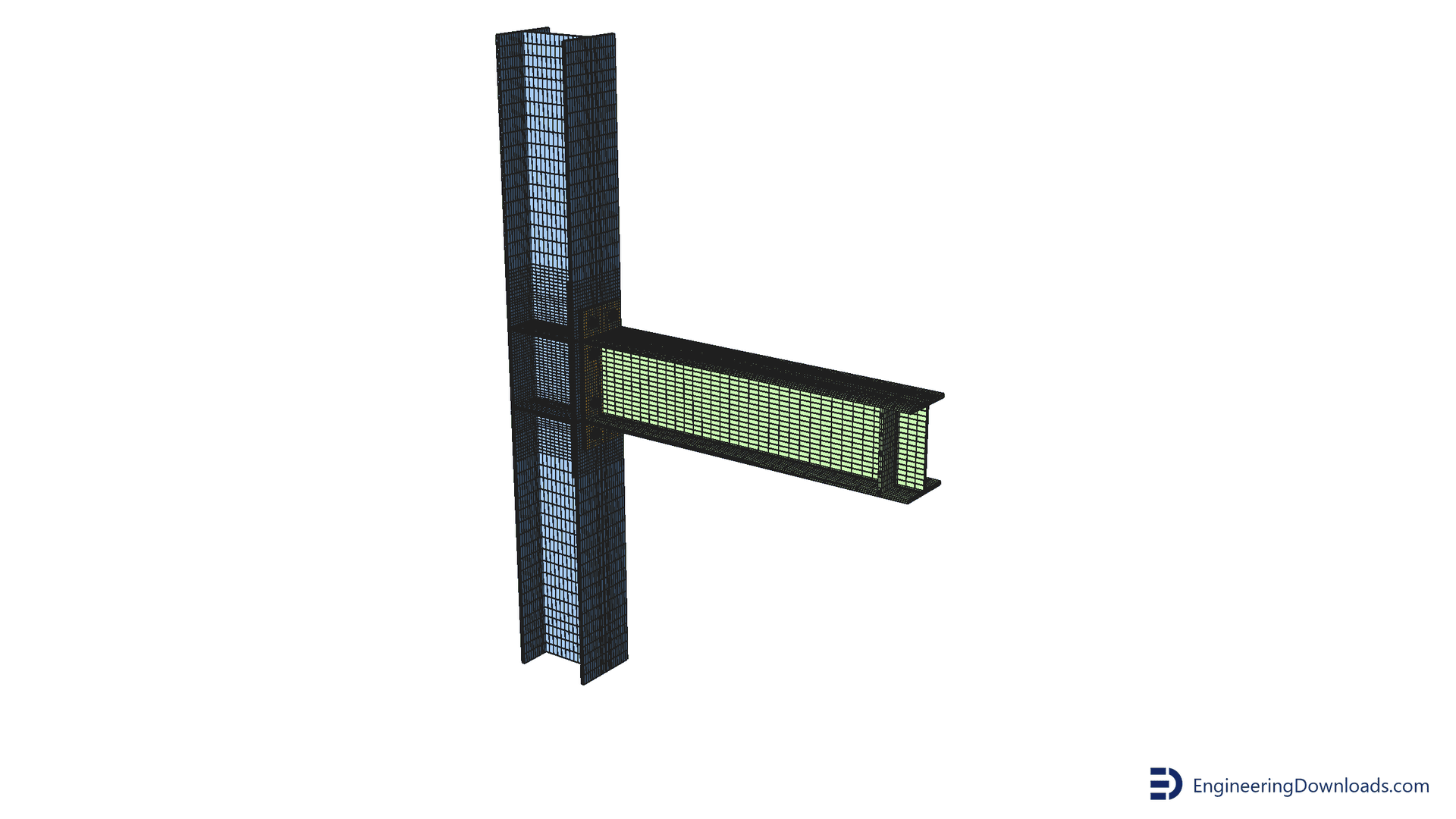
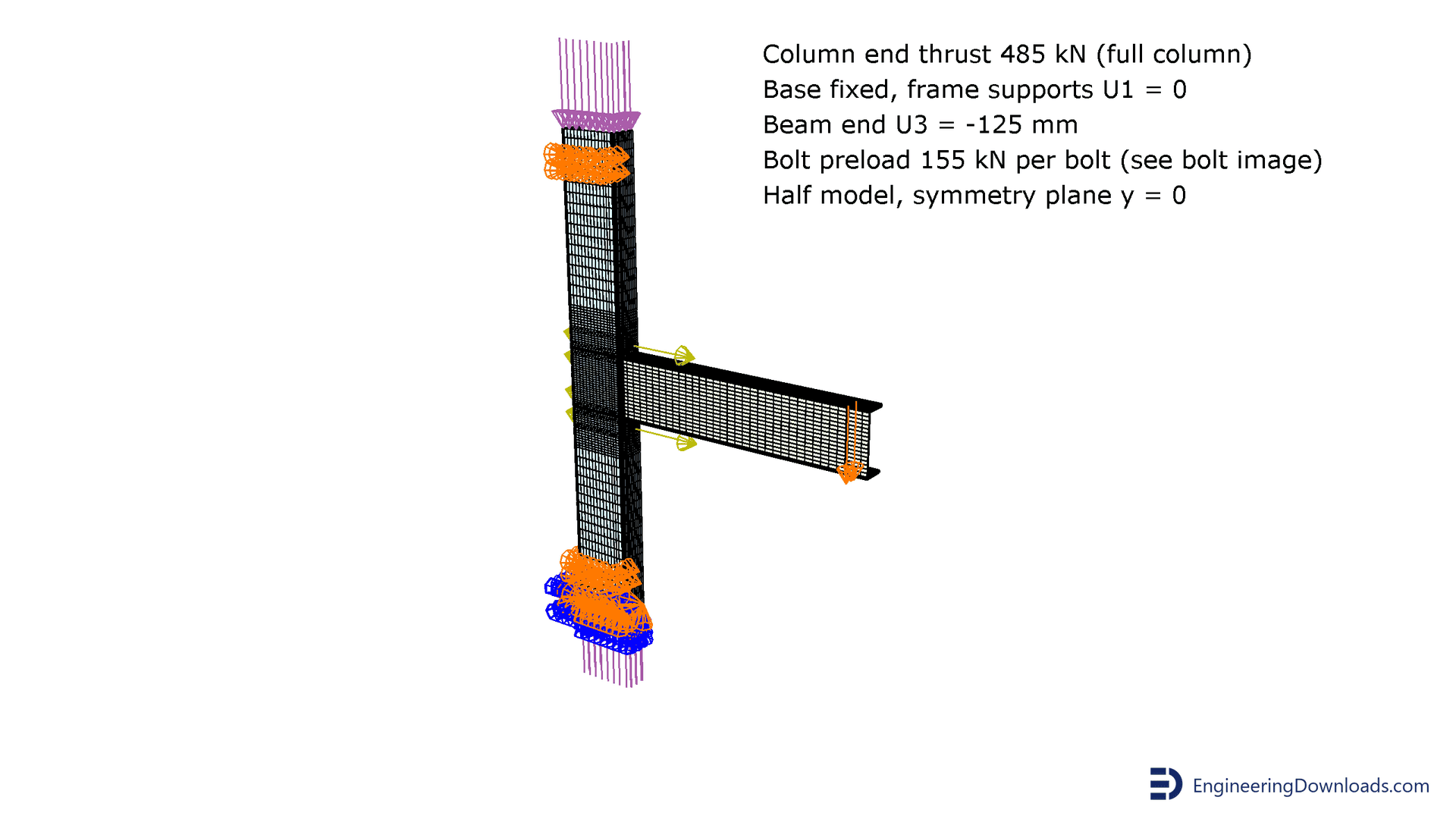
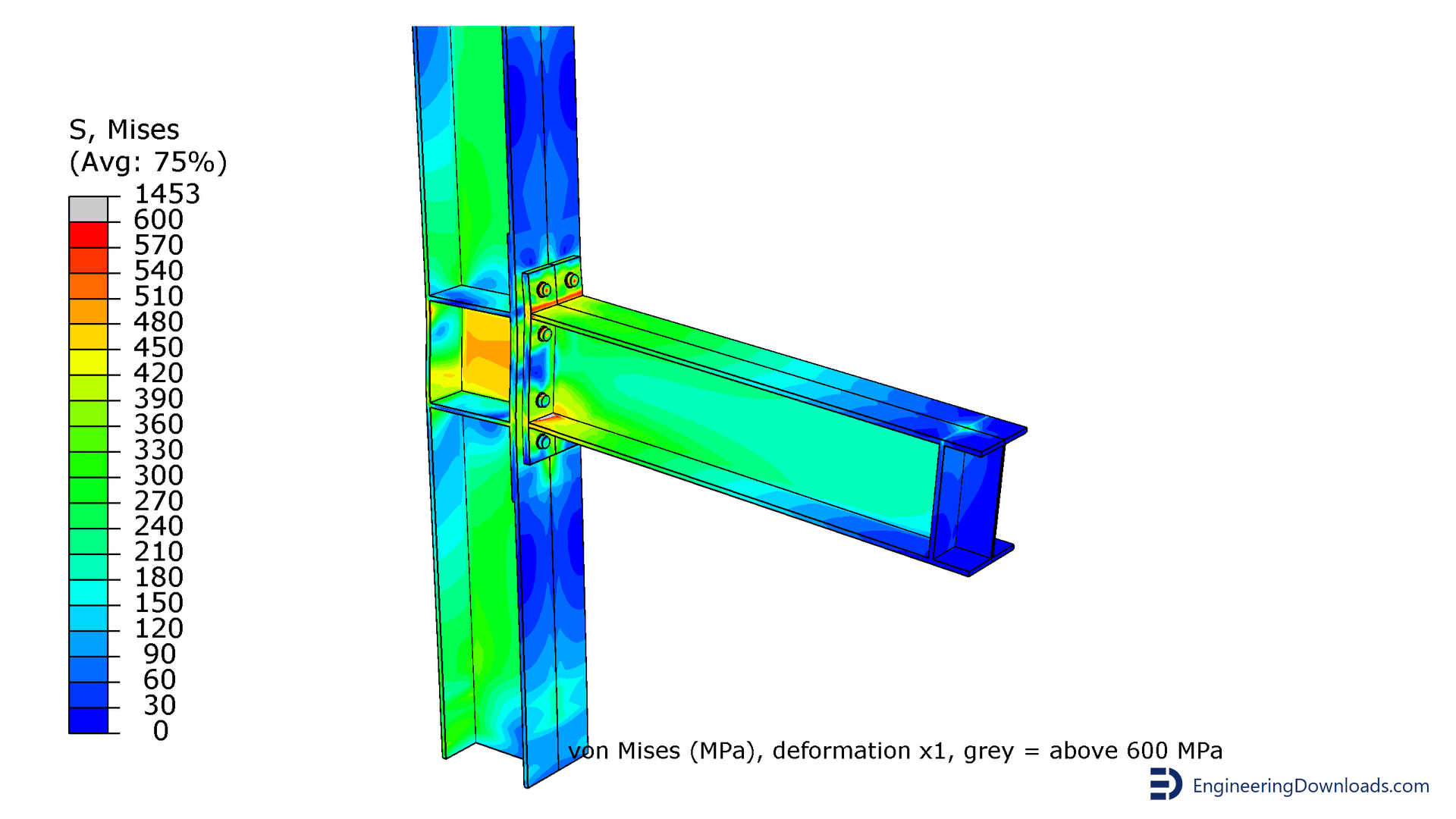
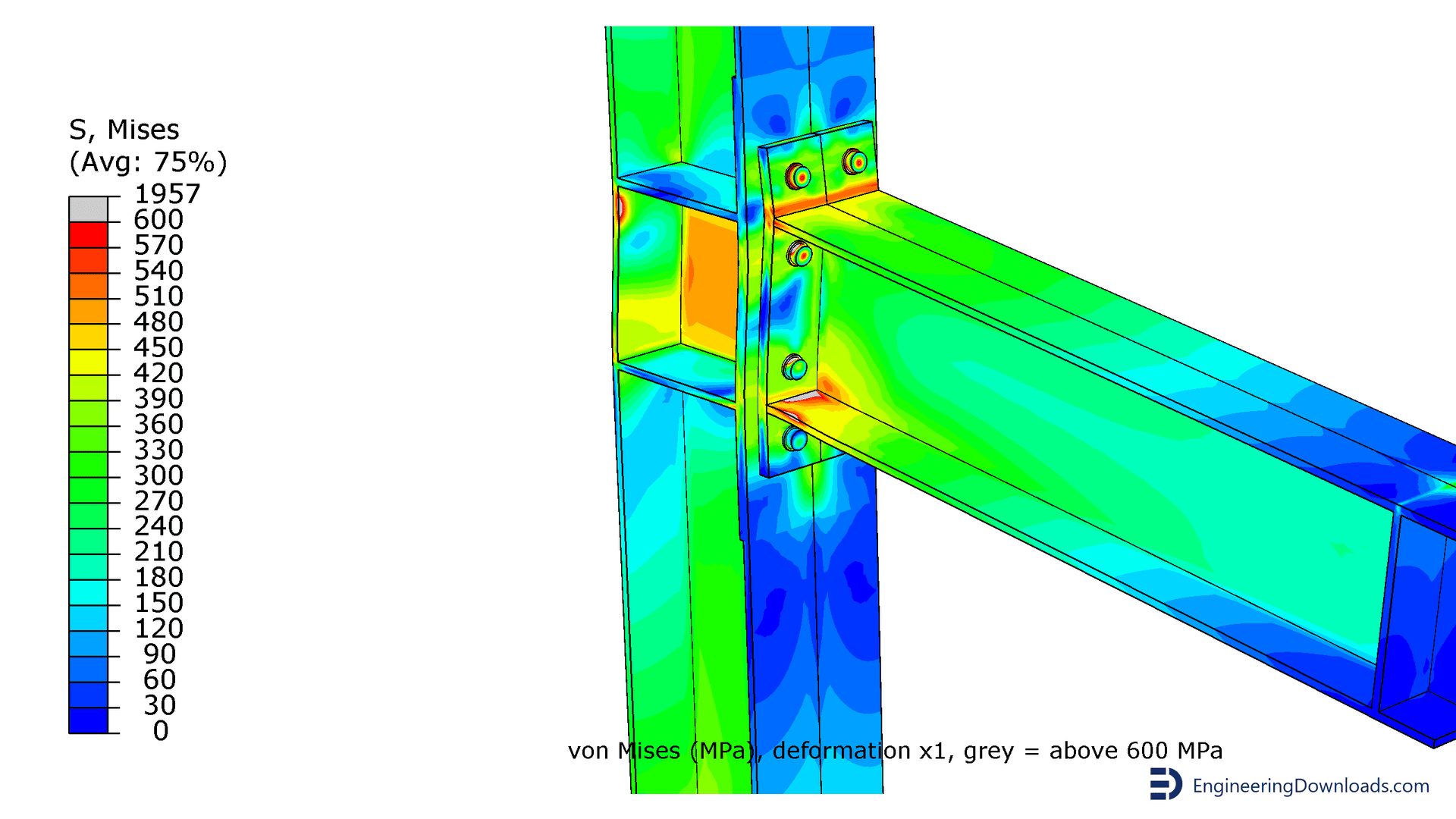
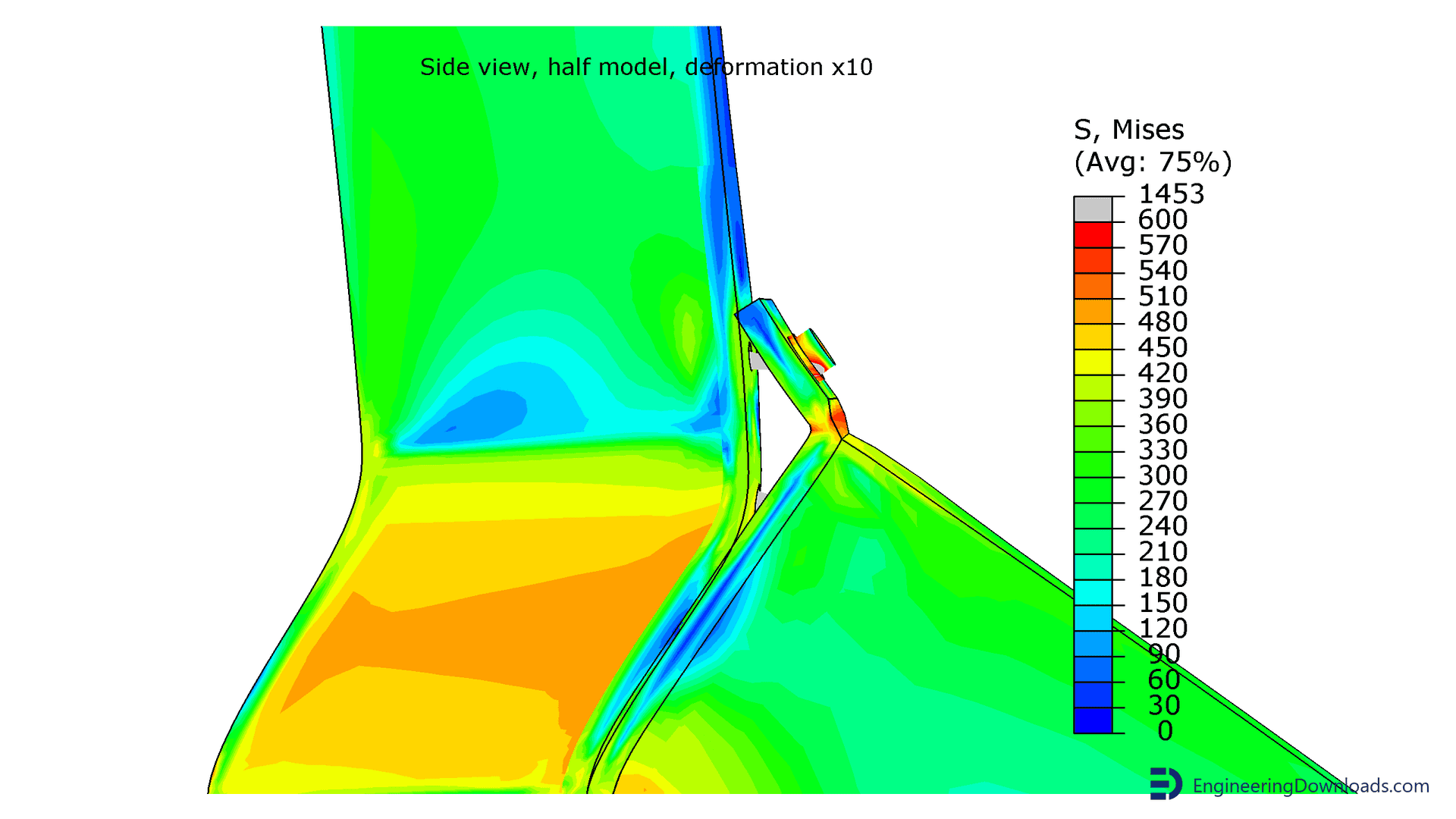
Abaqus bolt preload models of the SC3 extended end-plate beam-to-column connection, built two ways: the native Abaqus bolt load (force across a split bolt shank, then the bolt length fixed) and the initial stress method. Hexahedral (brick) elements are used throughout, including the bolts. Input (.inp) and CAE (.cae) files for both, plus an Abaqus results summary PDF with the validated moment-rotation comparison. Everything runs in your own Abaqus installation.
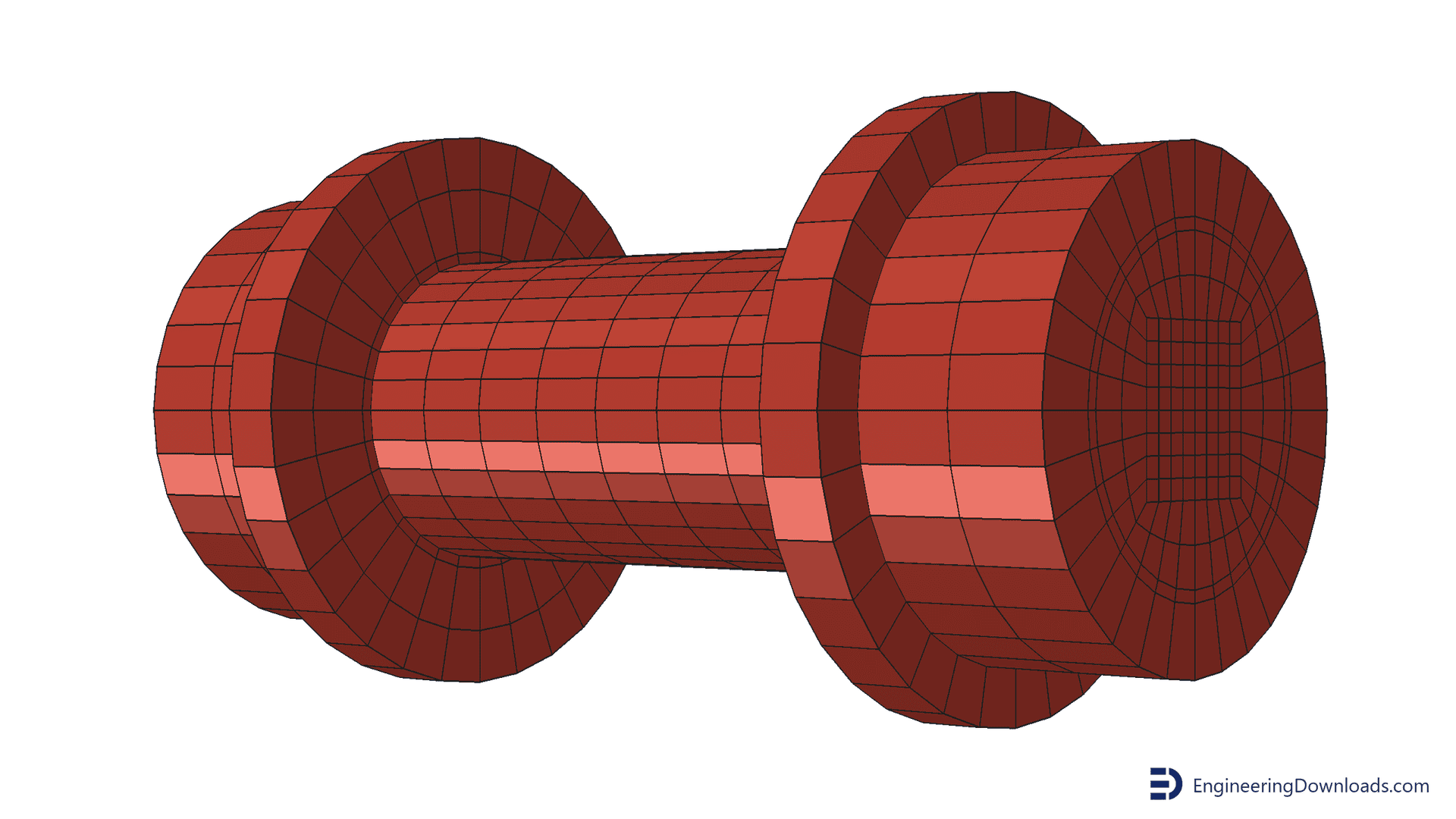
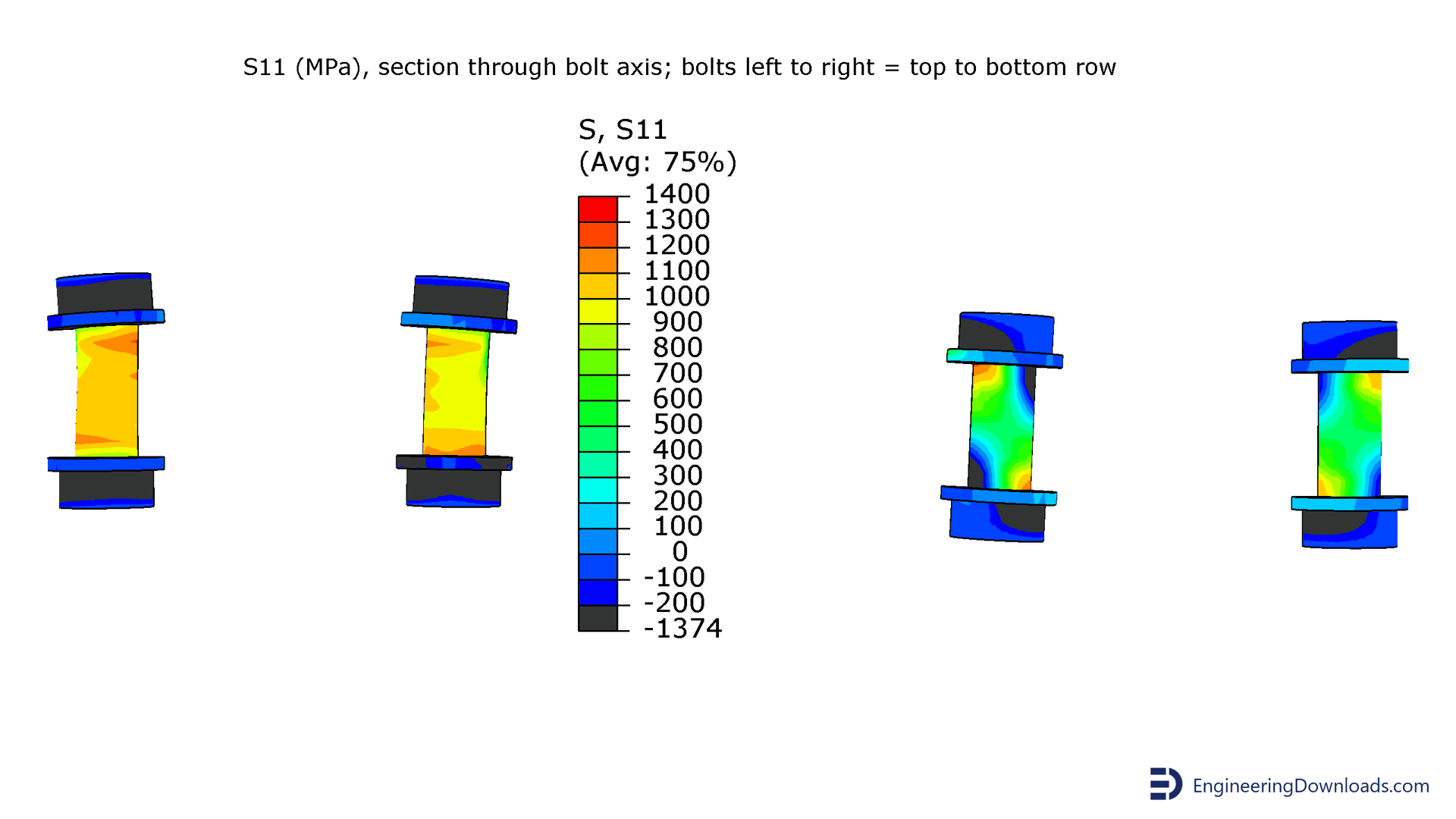
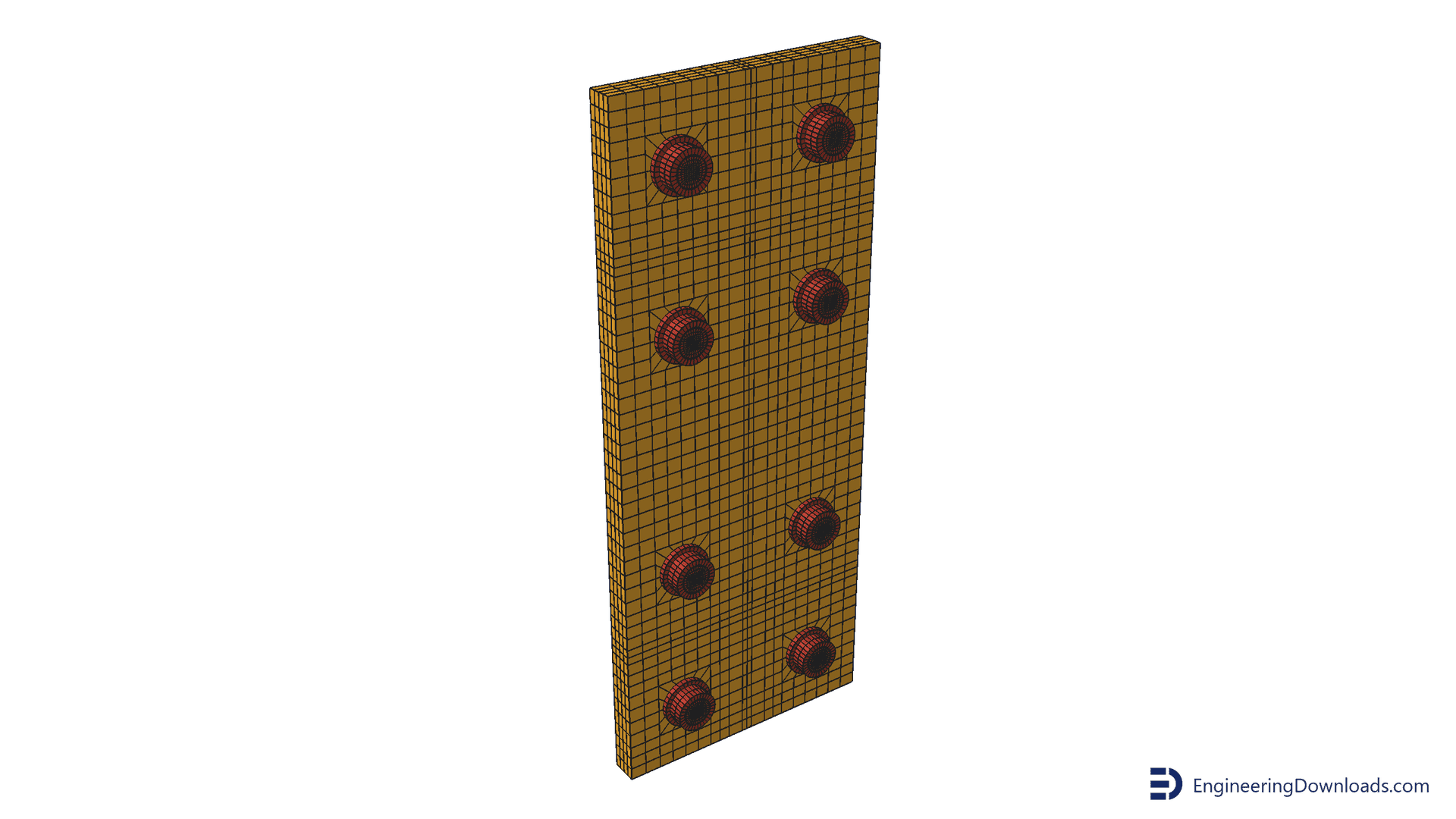
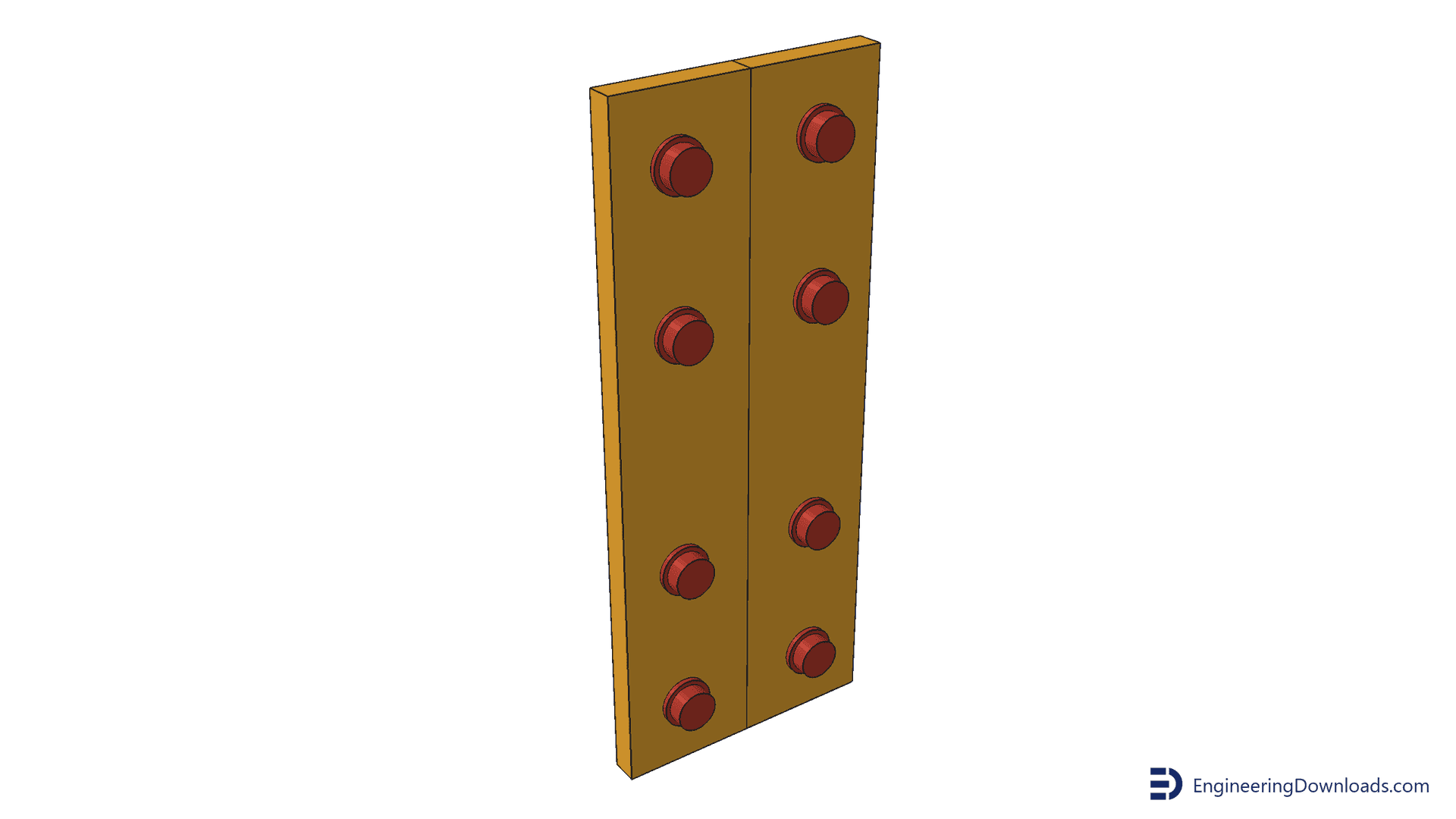
Bolted steel connections are only as reliable as their preload model. This product gives you a complete Abaqus bolt preload model of an extended end-plate beam-to-column connection, built two ways so you can compare them side by side: the native Abaqus bolt load (force applied across a split bolt shank, then the bolt length fixed) and the initial stress method (shank stress defined as an initial state). Both are driven to large rotation and checked against the published test and the reference paper. The whole model, bolts included, is meshed with hexahedral (brick) elements, so the bolt head, shank and nut are all-hex rather than a tetrahedral or wedge mesh.
Title: The Guidelines for Modelling the Preloading Bolts in the Structural Connection Using Finite Element Methods.
Authors: Krolo, P., Grandic, D., Bulic, M. (2016).
Journal: Journal of Computational Engineering, Volume 2016, Article ID 4724312. DOI: 10.1155/2016/4724312.
The authors develop two numerical techniques for preloading bolts in Abaqus/Standard. They also give practical guidance on defining contact and on avoiding typical numerical problems: singularity errors, negative eigenvalues caused by rigid body motion, and excessive bolt elongation after pretension. The two preloading approaches are compared on an extended end-plate bolted beam-to-column connection under monotonic loading. The response is presented as moment-rotation curves and validated against an experimental test, and the paper discusses the advantages, disadvantages and computing speed of each technique. (Paraphrased from Krolo et al., 2016; see the original article for the full abstract.)
Input and CAE files are supplied, so the models run in your own Abaqus installation.
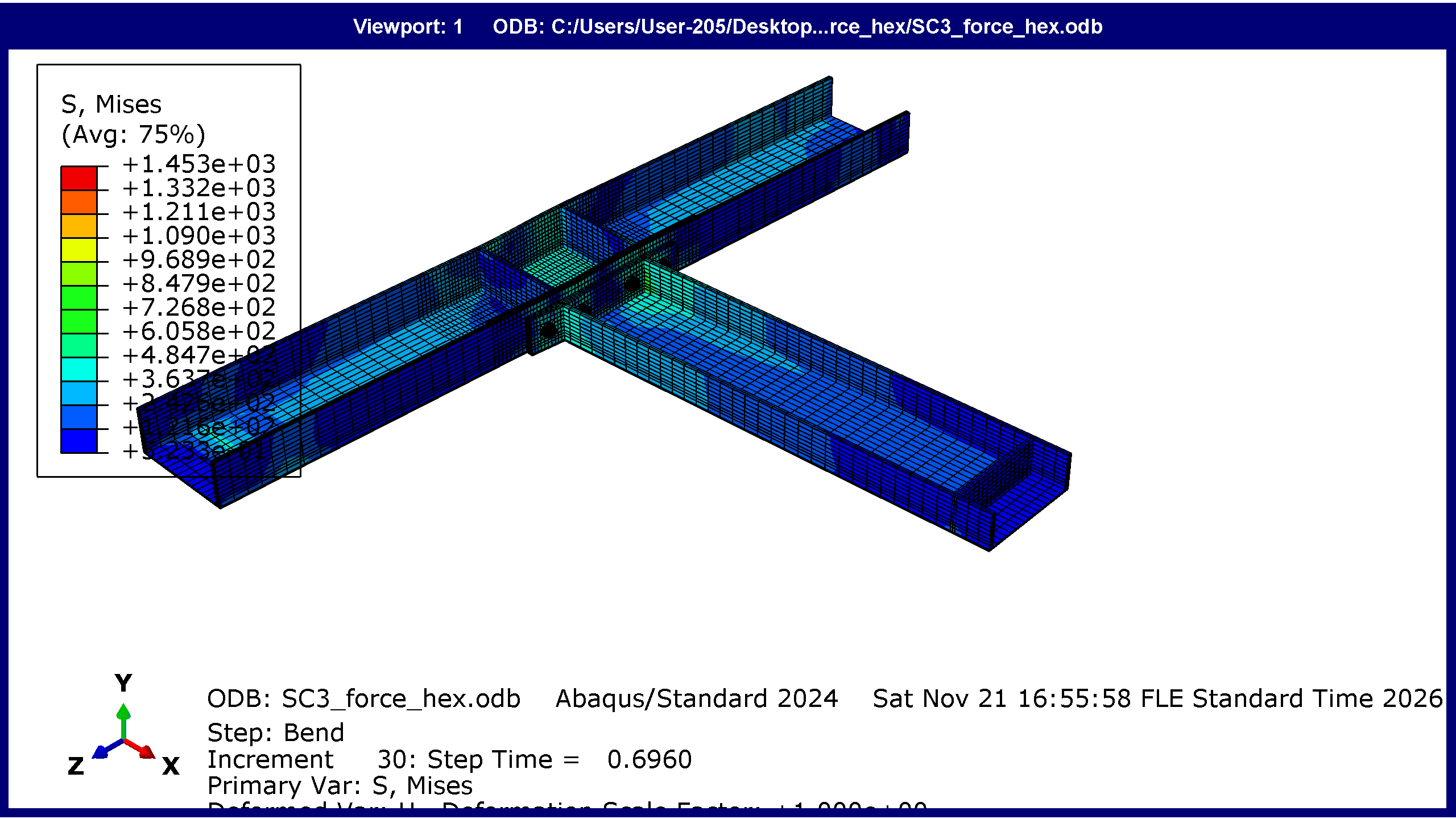
| Result | Abaqus | Reference |
|---|---|---|
| Seated mean bolt stress, force preload (MPa) | 489.9 | Paper 497.3 |
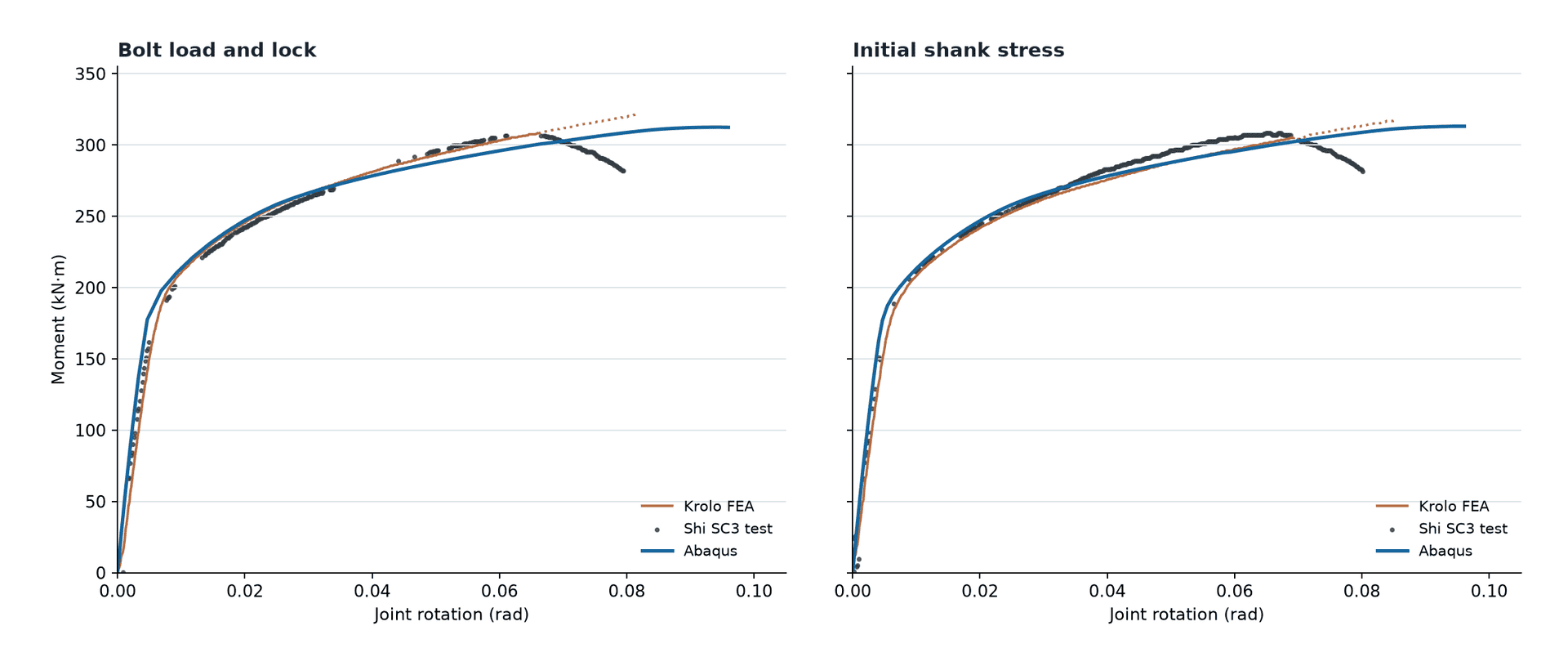
| Moment at 0.067 rad, force preload (kN m) | 301.0 | Shi et al. test peak 308.3 (paper FEM 309.3) |
| Moment at 0.067 rad, initial stress (kN m) | 300.8 | Shi et al. test peak 308.3 (paper FEM 303.0) |
| Beam-end travel reached (mm) | 125 | – |
The PDF summary overlays the Abaqus moment-rotation curves on the test result and the published FEA curve (Figure 9 of Krolo et al.).
Engineers and researchers who need a working Abaqus reference for bolt preload, contact and friction in steel connections, or who want to choose between native bolt load and initial stress in their own models.
Also available as a separate Ansys Workbench product (see the Ansys version of this model).
Need more than the files?
There are two ways we can help. Book a one hour online consultation if you want to talk a problem through with a CAE engineer, using the checkbox in the order box. Order a project if you need a full simulation built for you, delivered to an agreed scope, price and deadline under a written contract.
We work on FEA and CFD for engineers, researchers and companies. Order your project, or message us on WhatsApp for a quick reply.
Other packages engineers working on this topic also download.
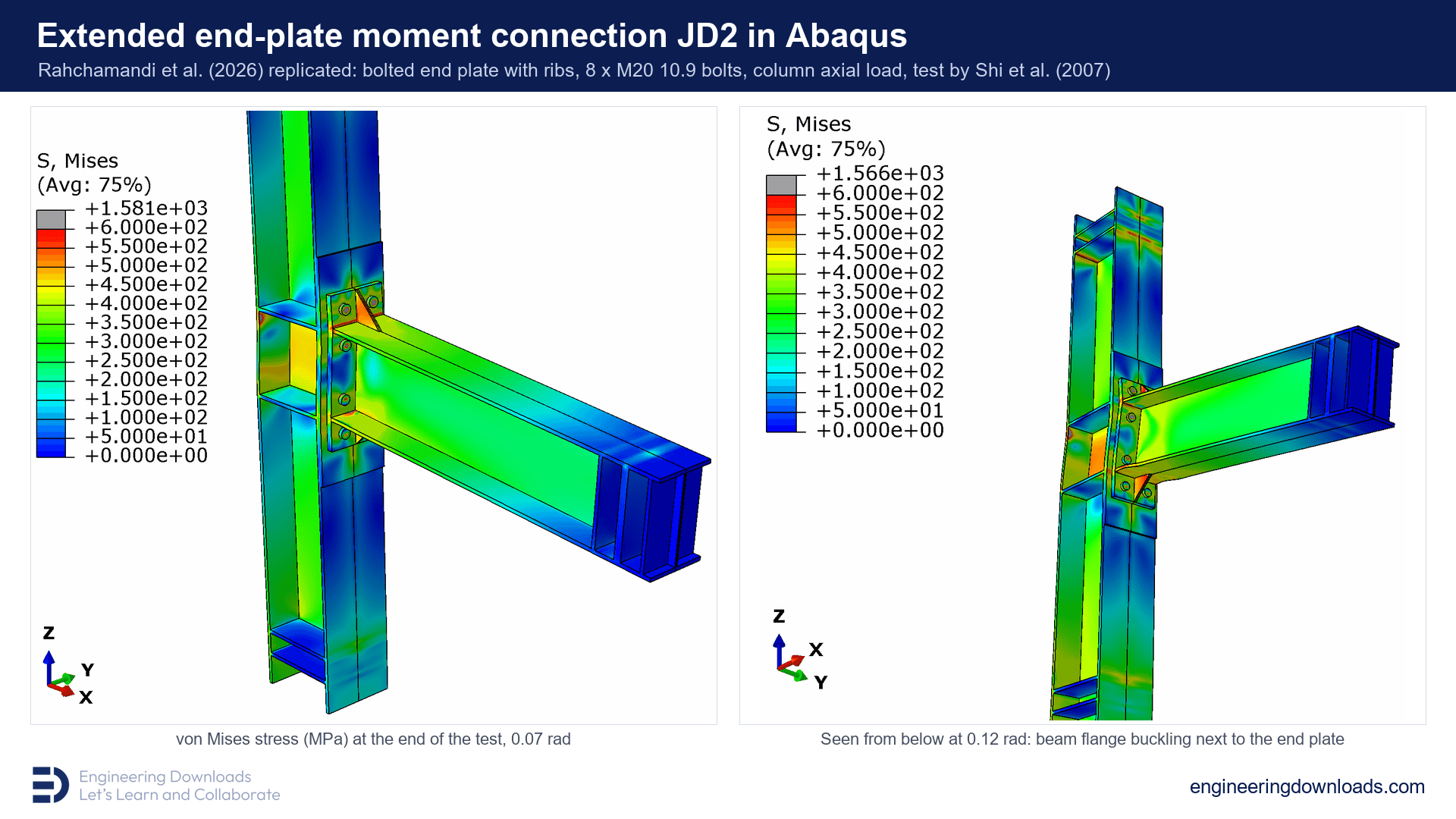 Extended End-Plate Moment Connection in Abaqus: Bolted Beam-to-Column Joint, after Rahchamandi et al. (2026)€129,00
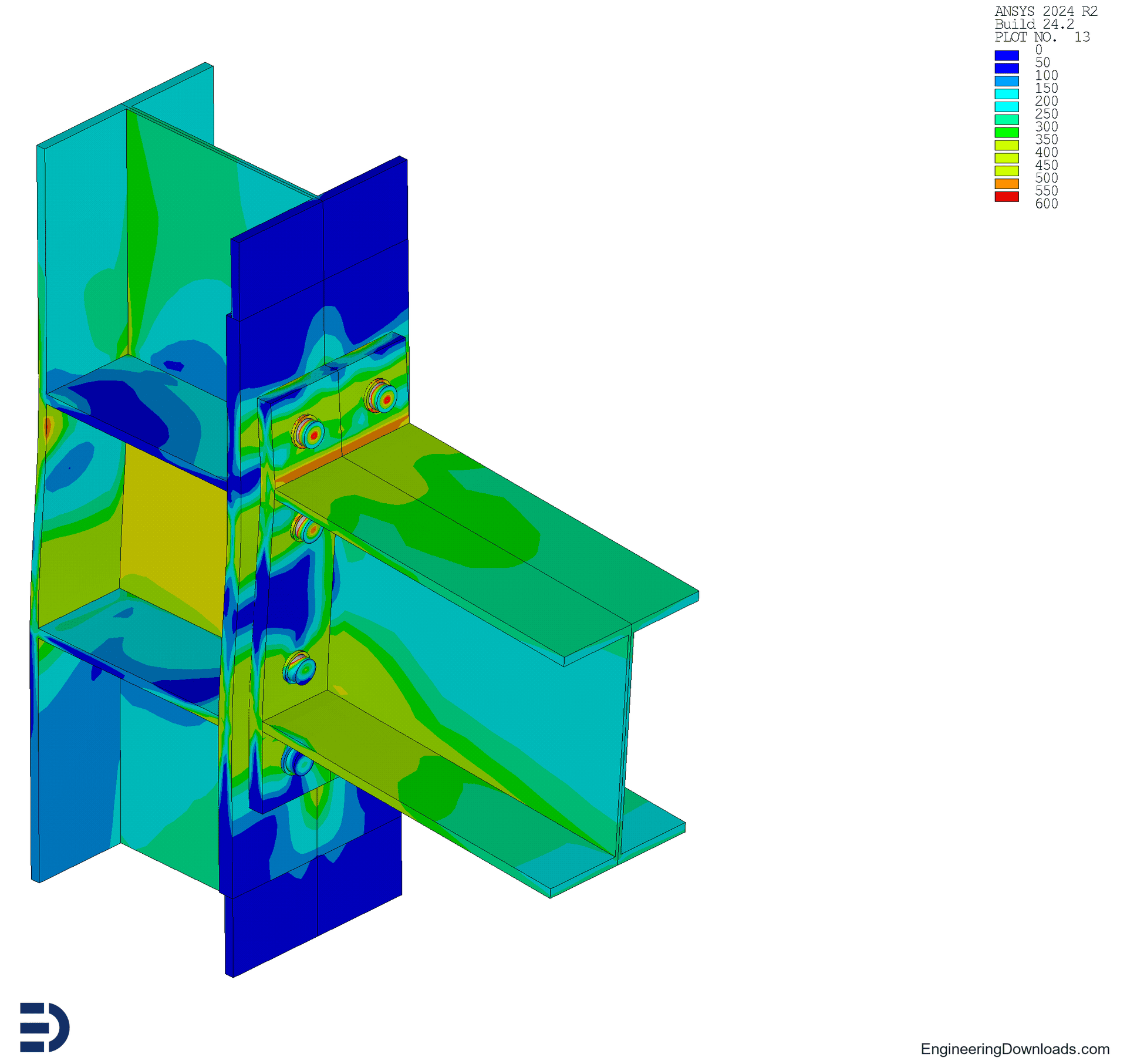 Bolt Pretension in Ansys Workbench: SC3 End-Plate Connection with All-Hex Bolts (Pretension Section with Lock, Initial Shank Stress, .wbpz)€89,00
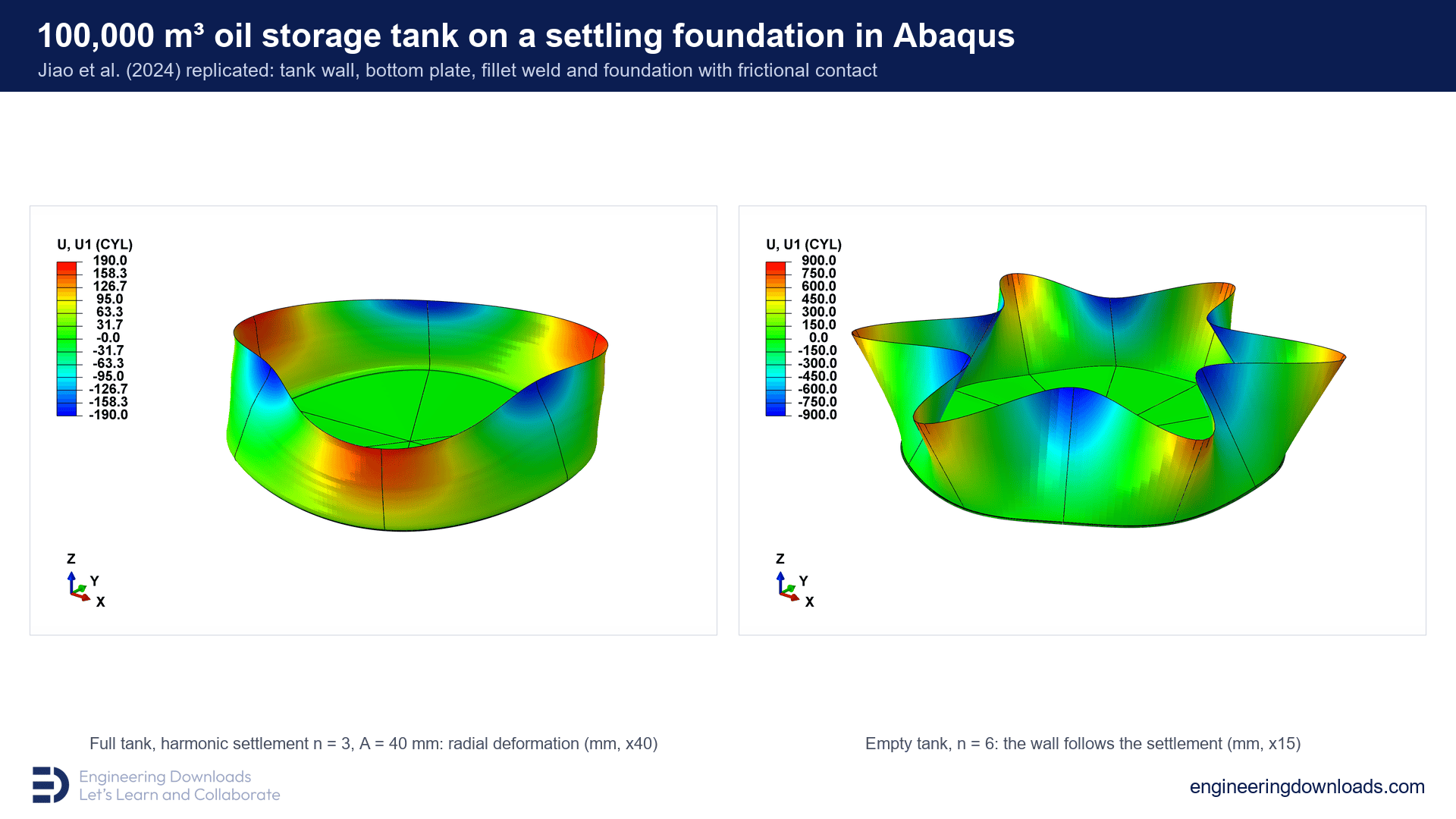 Oil Storage Tank under Non-Uniform Foundation Settlement in Abaqus, after Jiao et al. (2024)€169,00
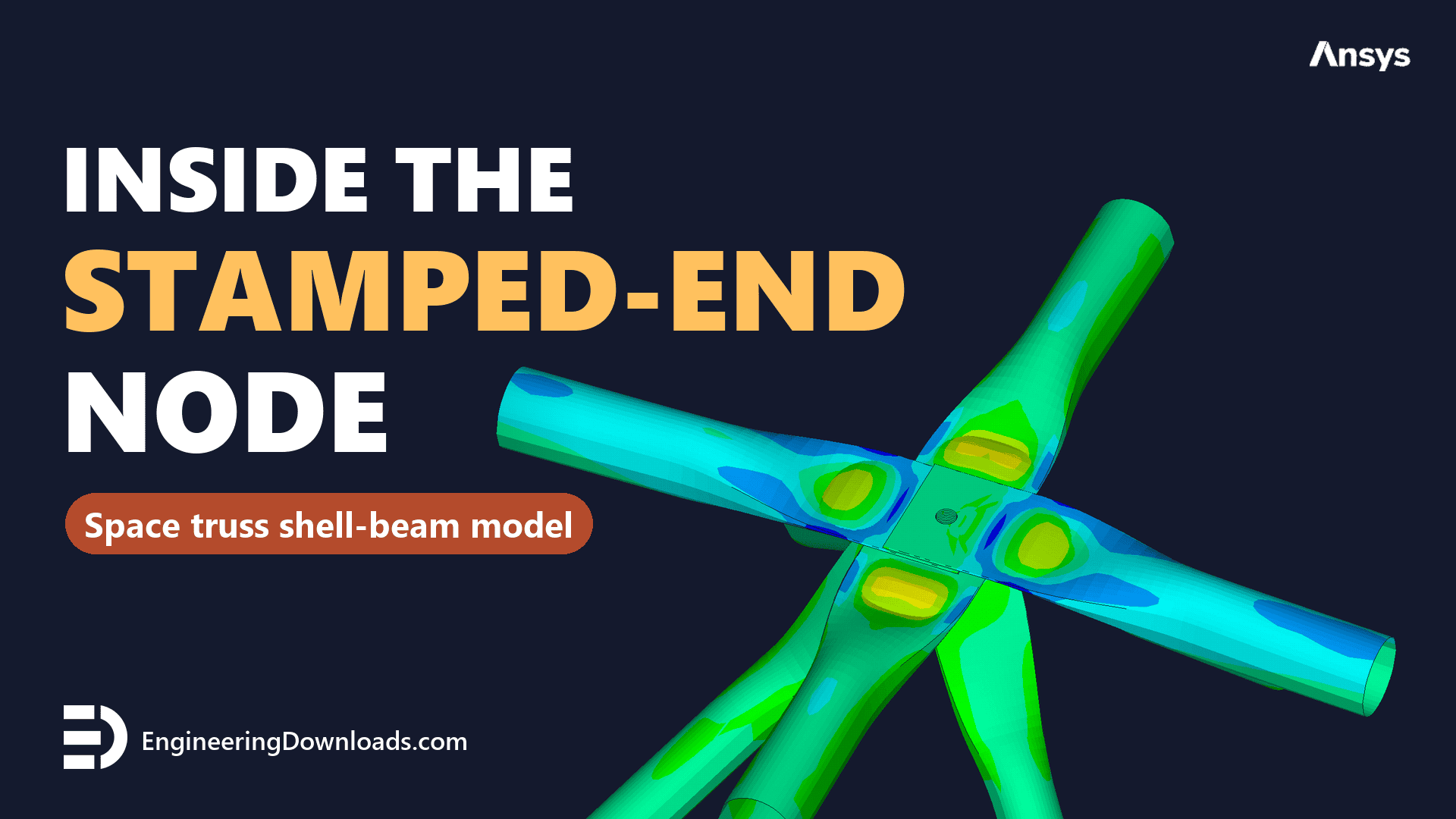 Stamped-End Tube Space Truss Node in Ansys: Shell-Beam Model of the Central Joint (Double-Layer Grid)€129,00
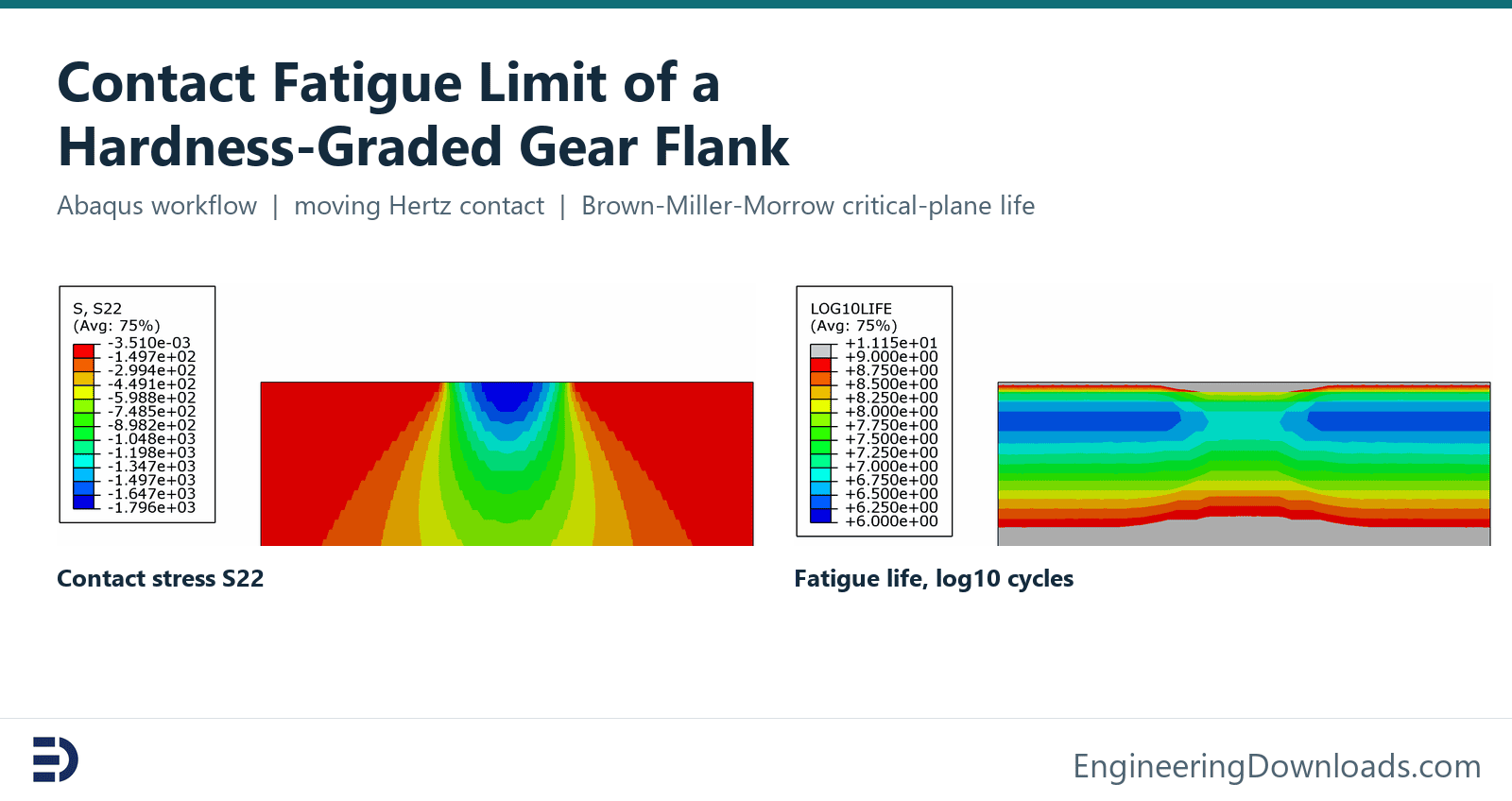 Contact Fatigue Limit of a Hardness-Graded Gear Flank: Abaqus Brown-Miller-Morrow Workflow€129,00
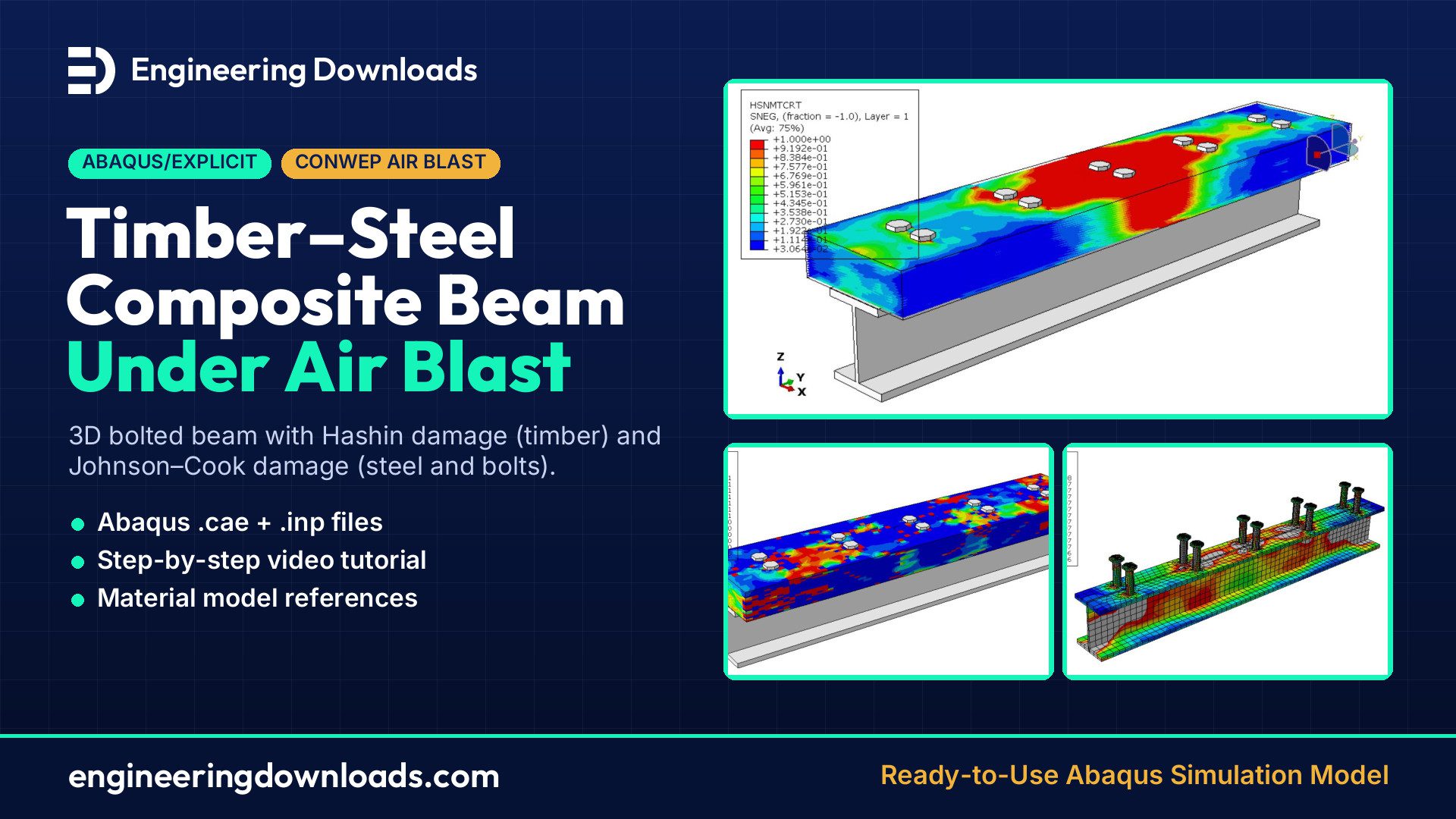 Timber–Steel Composite Beam Under Air Blast in Abaqus: CONWEP, Hashin & Johnson–Cook Damage
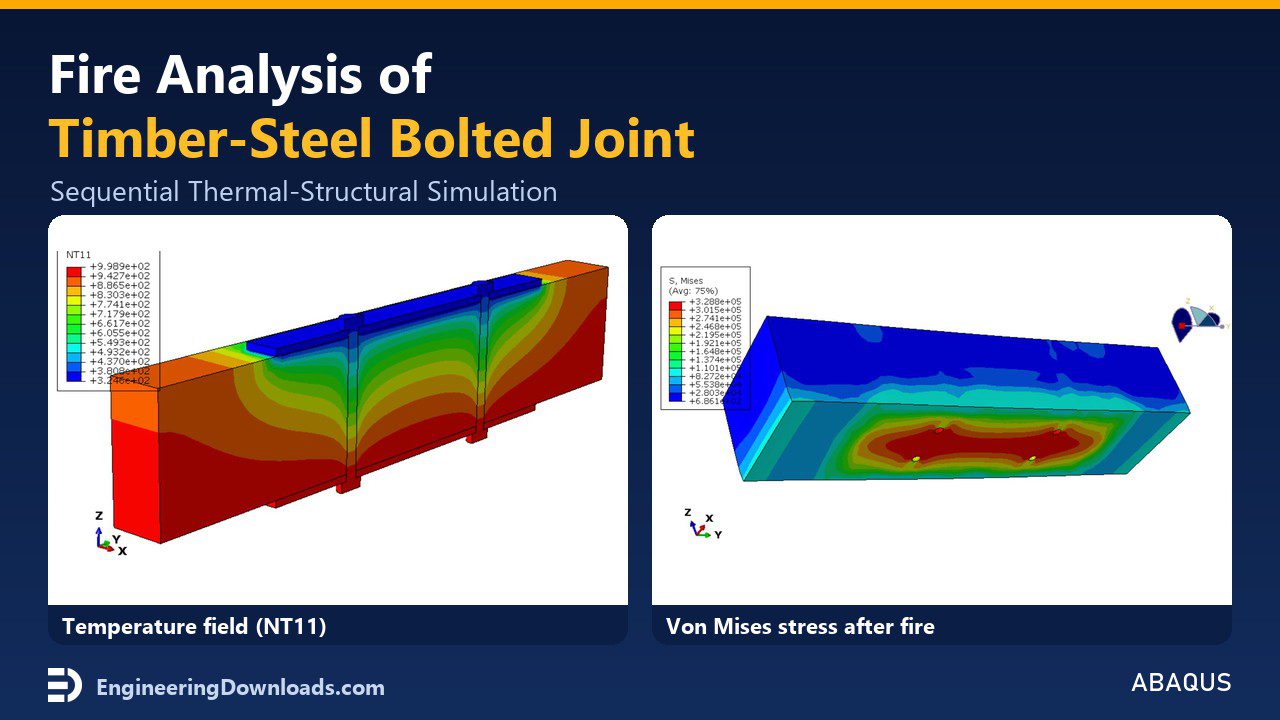 Fire Analysis of Timber–Steel Bolted Connections in Abaqus | Sequential Thermal–Structural Simulation
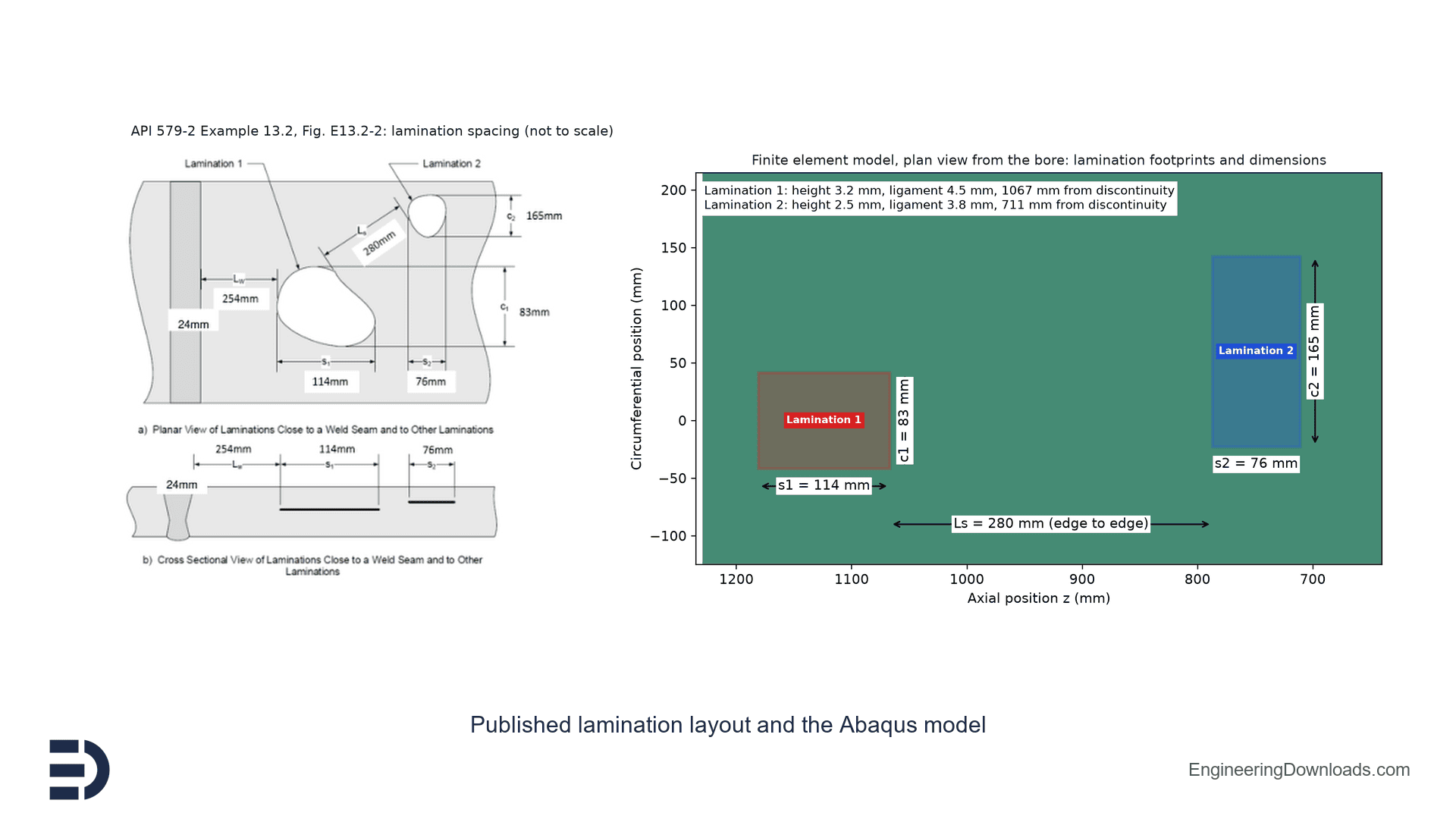 API 579-2 / ASME PTB-14 Example 13.2 Laminations in a Pressure Vessel: Abaqus FEA Model with Contact, Level 1 Screening and MAWP€139,00

Need a full custom project? See the options below.
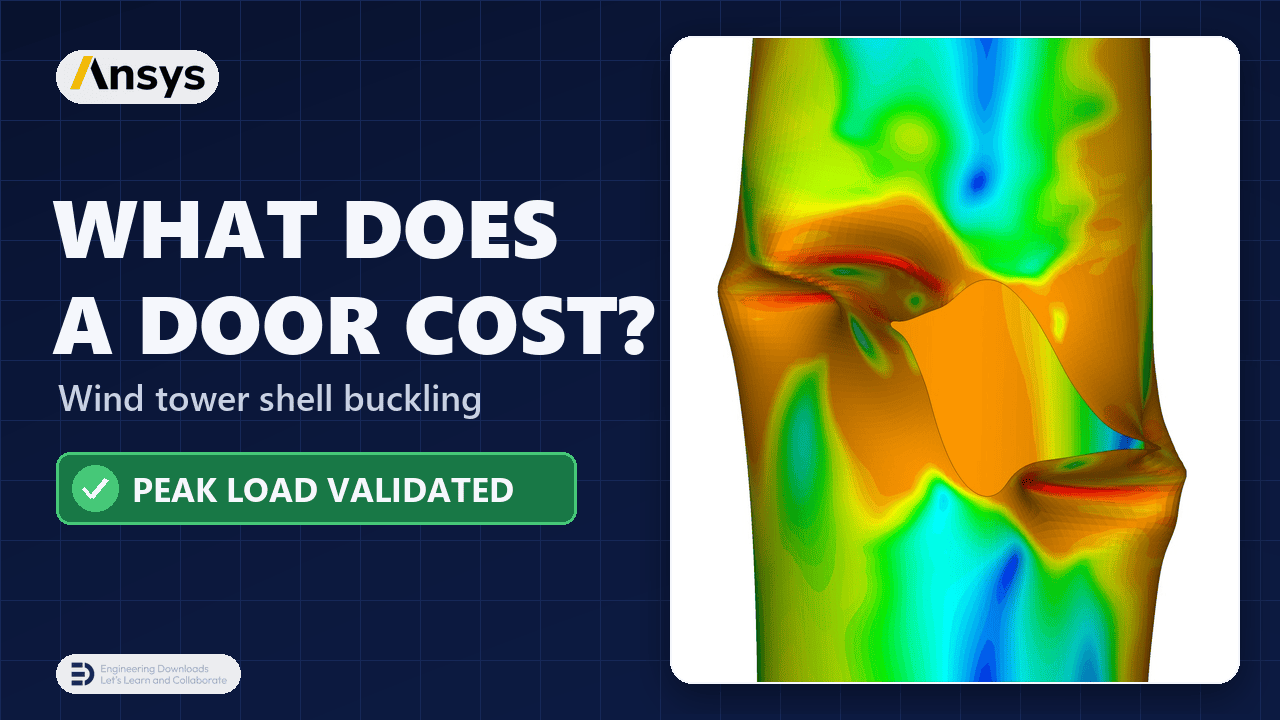
€129,00
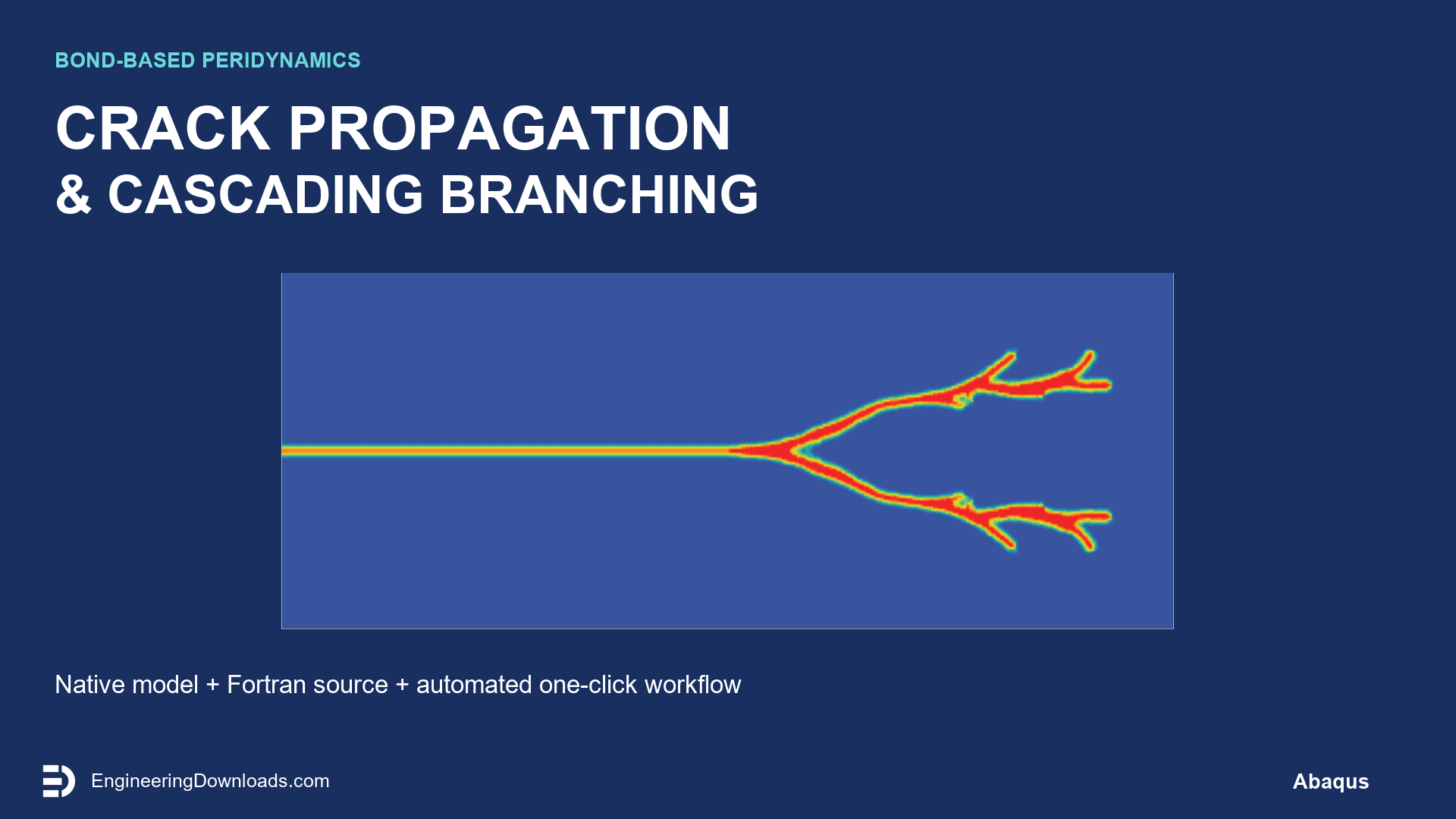
€149,00
€89,00
€89,00
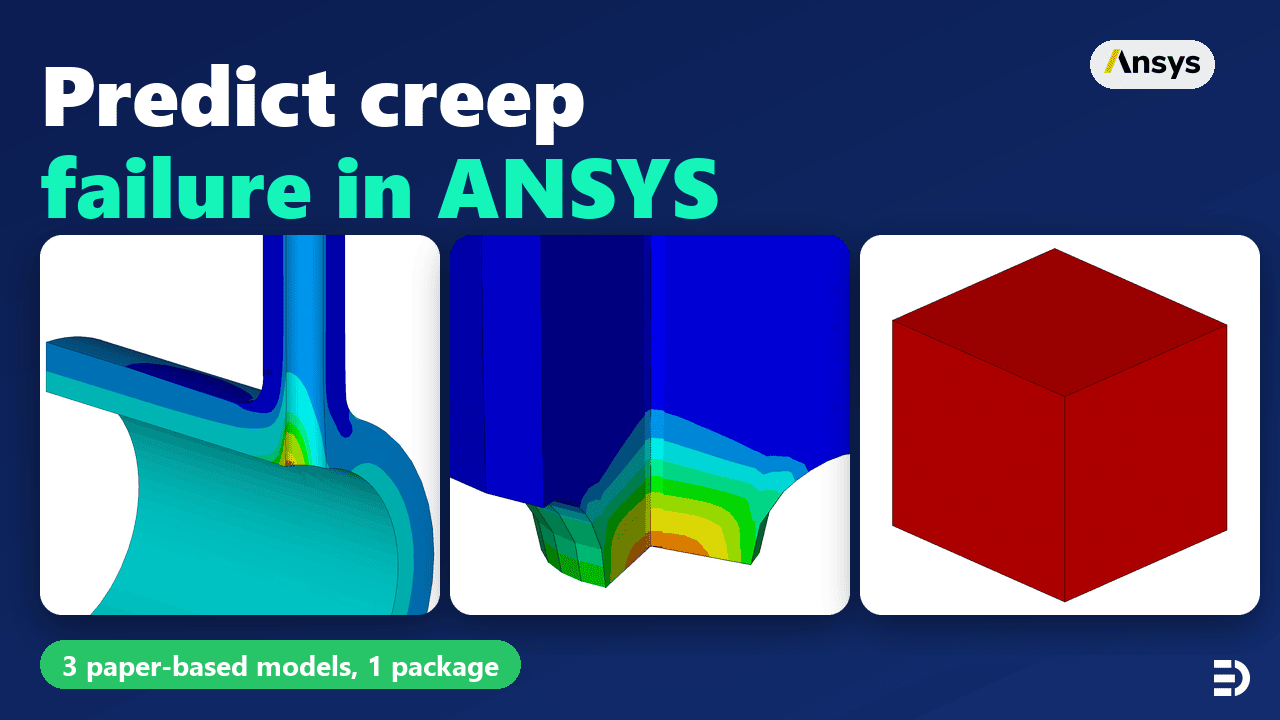
€299,00
€129,00
€129,00
€299,00
See more
Want to receive push notifications for all major on-site activities?

