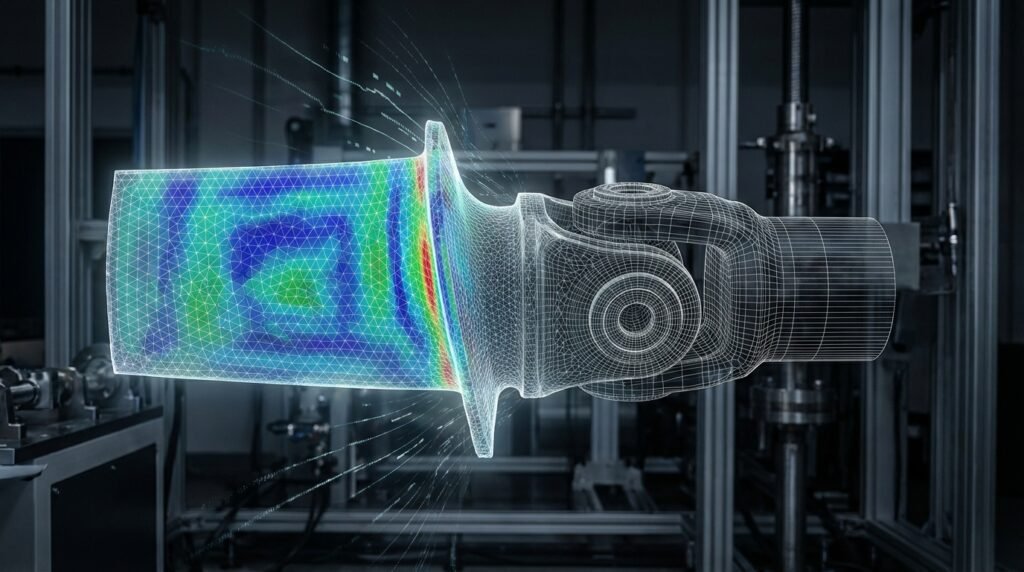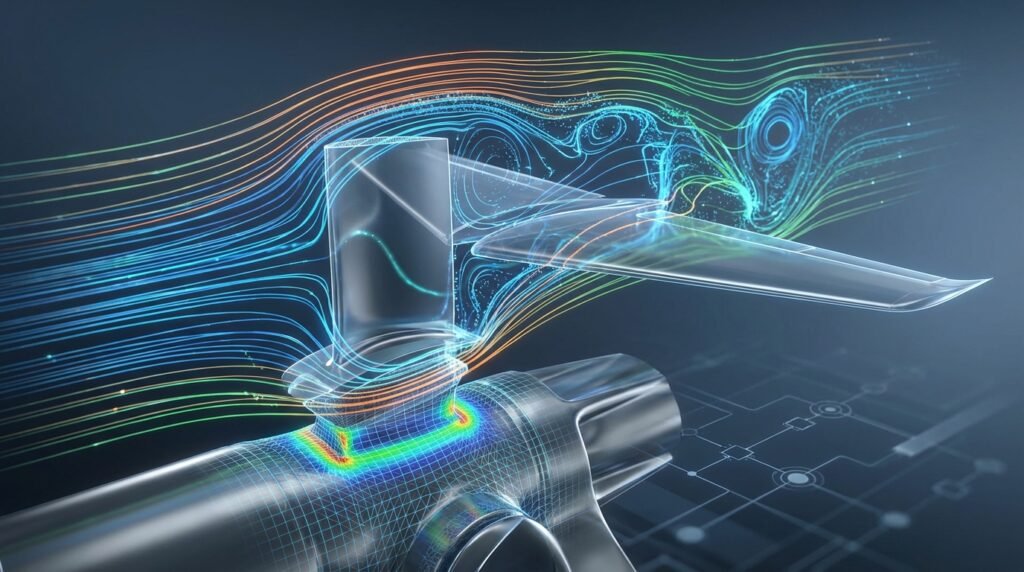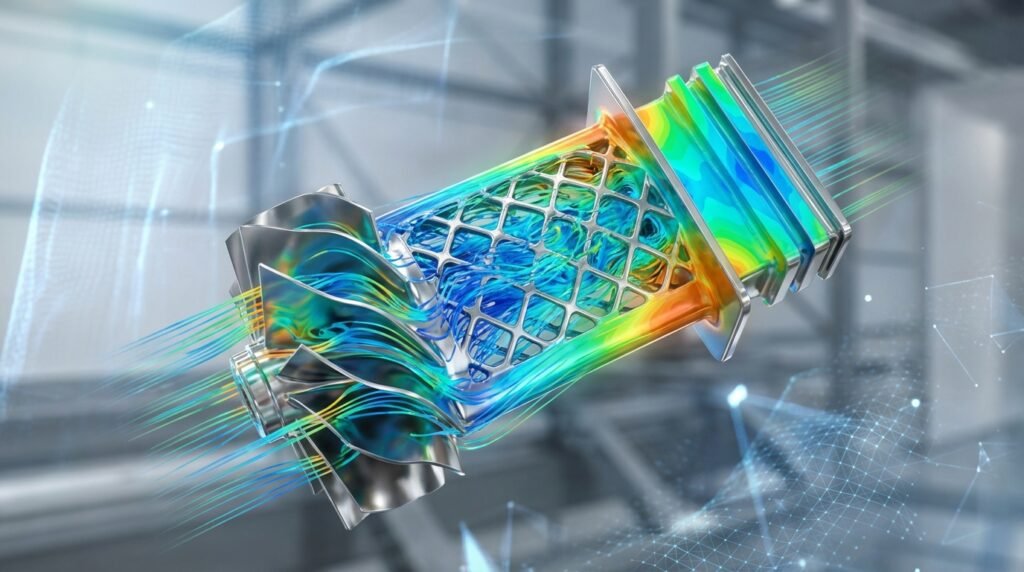
In the world of Computational Fluid Dynamics (CFD), engineers have a powerful ally in OpenFOAM. This open-source software suite is a versatile and highly capable tool for simulating everything from airflow over aircraft wings to multiphase flows in pipelines. Whether you’re a seasoned CFD practitioner or just starting, understanding OpenFOAM’s capabilities and practical application can significantly enhance your engineering analysis toolkit.

A typical visualization of a dam break simulation performed with OpenFOAM, showing fluid dynamics.
What is OpenFOAM? A Glimpse into Open-Source CFD
OpenFOAM, which stands for Open-source Field Operation And Manipulation, is not just a single program but a comprehensive C++ toolbox for developing custom numerical solvers and utilities. It’s widely used across various engineering disciplines for simulating fluid flow, heat transfer, chemical reactions, and even solid mechanics.
The Power of Open Source
- Flexibility: Modify and extend the source code to suit specific research or industrial needs, developing custom solvers and boundary conditions.
- Cost-Effectiveness: Free to use, removing the significant licensing costs associated with commercial software, making advanced CFD accessible to everyone.
- Transparency: Full access to algorithms and implementations, fostering deeper understanding and easier verification of results.
- Community Support: A vibrant global community of users and developers provides extensive support, tutorials, and shared knowledge.
Key Capabilities of OpenFOAM
OpenFOAM’s solver library is extensive, covering a vast range of physics:
- Incompressible and Compressible Flows: From low-speed aerodynamics to supersonic combustion.
- Multiphase Flows: Capturing the interaction of different fluid phases, such as oil-water separation or cavitation.
- Heat Transfer: Conduction, convection, and radiation.
- Turbulence Modeling: A wide array of RANS, LES, and DNS models.
- Chemical Reactions & Combustion: Simulating complex chemical processes.
- Fluid-Structure Interaction (FSI): Analyzing how fluid forces deform structures and vice-versa.
- Particle Tracking: For discrete phase modeling.
OpenFOAM vs. Commercial CFD Software: A Practical Comparison
Choosing between OpenFOAM and commercial packages like ANSYS Fluent/CFX often comes down to specific project requirements, budget, and internal expertise. Here’s a quick comparison:
| Feature | OpenFOAM | Commercial CFD (e.g., Fluent) |
|---|---|---|
| Cost | Free (open-source) | High licensing fees |
| Customization | Highly customizable (source code access) | Limited customization (API/UDFs) |
| User Interface | Primarily command-line based; relies on pre-/post-processors like ParaView | User-friendly GUI, integrated workflow |
| Learning Curve | Steep (requires understanding of Linux, C++, CFD theory) | Moderate (GUI simplifies setup, but CFD theory still essential) |
| Support | Community forums, paid consultancy | Dedicated vendor support, training |
| Meshing | Integrated tools (blockMesh, snappyHexMesh), third-party support | Robust, advanced meshing tools (e.g., ANSYS Meshing) |
When to Choose OpenFOAM
OpenFOAM is often the preferred choice for:
- Academic Research: Where custom solver development or fundamental algorithm testing is required.
- Budget-Constrained Projects: For startups or smaller firms needing high-fidelity CFD without large capital outlay.
- Deep Understanding: Engineers who want a profound insight into the underlying numerical methods.
- Parametric Studies & Automation: Its command-line nature is ideal for scripting large batches of simulations using Python or MATLAB.
Practical Workflow with OpenFOAM: A Step-by-Step Guide
Getting a simulation up and running in OpenFOAM follows a logical sequence. Here’s a generalized workflow:
1. Problem Definition and CAD Preparation
- Define Goals: Clearly state what you want to achieve (e.g., pressure drop, drag coefficient, temperature distribution).
- CAD Import: While OpenFOAM doesn’t have an integrated CAD tool, it works with STL files for surface definition. Prepare your geometry in a CAD software (e.g., CATIA, SolidWorks) and export it as an STL.
2. Meshing the Domain
This is a critical step, as mesh quality directly impacts simulation accuracy and stability.
blockMesh: For simple, structured geometries. It’s fast and precise for basic block-structured meshes.snappyHexMesh: For complex, unstructured geometries. It snaps a background hexahedral mesh to the CAD surface (STL), refining it near features and boundaries. This is highly common for industrial applications.- Mesh Conversion: If you use external meshers (e.g., Pointwise, Salome), you’ll need utilities like
fluentMeshToFoamoransysToFoamto convert the mesh into OpenFOAM format.
3. Setting Up the Case Directory
An OpenFOAM case is organized into several directories:
constant: Contains mesh data, physical properties (e.g., density, viscosity), and turbulence model settings (e.g.,RASProperties,transportProperties).system: Controls the simulation runtime.controlDict: Sets start/end times, time step, output intervals.fvSchemes: Defines numerical schemes (e.g., discretization methods for derivatives).fvSolution: Configures solver settings and linear equation solvers (e.g., PISO, SIMPLE, iterative solvers, tolerances).
0(or initial time folder): Contains initial conditions for all fields (e.g., velocityU, pressurep, temperatureT) and boundary conditions.
Practical Tip: Start with a tutorial case similar to your problem. Copy it and modify the files for your specific geometry and conditions.
4. Running the Simulation
Once the case is set up, you run the appropriate solver from the command line:
cd yourCaseDirectory
yourSolverName (e.g., simpleFoam, pisoFoam, buoyantPimpleFoam)
The solver will run, print progress to the terminal, and write results to time directories.
5. Post-Processing with ParaView
ParaView is the most common tool for visualizing OpenFOAM results. It’s an open-source, powerful data analysis and visualization application.
- Navigate to your case directory and type
paraFoam. This generates a.foamfile that ParaView can open. - Load the data, apply filters (e.g., streamlines, contours, slice), and create plots to interpret your results.
Key Applications of OpenFOAM Across Engineering
OpenFOAM’s versatility makes it applicable in diverse engineering fields:
Aerospace Engineering
- Aerodynamics: Simulating lift, drag, and moments on airfoils, wings, and full aircraft configurations. Useful for optimizing aircraft performance and predicting flight characteristics.
- Turbomachinery: Analyzing flow through compressors, turbines, and pumps.
- Combustion: Modeling rocket engines and jet propulsion systems.
Oil & Gas Industry
- Multiphase Flow: Simulating oil-water-gas mixtures in pipelines, separators, and risers to optimize extraction and transport.
- Drilling & Well Operations: Analyzing drilling mud flow, cementing processes.
- Combustion: Modeling flare stacks and combustion chambers for efficiency and emissions.
- Flow Assurance: Predicting hydrate formation, paraffin deposition.
Biomechanics and Medical Devices
- Blood Flow Simulation: Analyzing hemodynamics in arteries, aneurysms, and stents to understand disease progression and device effectiveness.
- Drug Delivery: Modeling particle transport in the respiratory system.
- Medical Device Design: Optimizing designs of prosthetics and implants considering fluid interaction.
Structural Engineering and FSI
- Wind Loads: Calculating wind pressures on buildings, bridges, and other structures for structural design and FFS Level 3 assessments.
- Fluid-Structure Interaction (FSI): Coupling OpenFOAM with FEA tools (e.g., Abaqus, ANSYS Mechanical, Nastran) to study dynamic responses of structures subjected to fluid forces (e.g., offshore platforms, bridge decks in strong winds, flexible pipes). This is crucial for structural integrity and fatigue analysis.
Advanced Topics & Automation
Custom Solver Development
One of OpenFOAM’s greatest strengths is its modular design, allowing engineers to develop custom solvers for unique physics or specific industrial challenges. This involves writing C++ code to implement new equations or constitutive models.
Python & MATLAB Integration for Automation
For parametric studies, optimization, or routine analysis, integrating OpenFOAM with scripting languages is invaluable:
- Pre-processing: Use Python or MATLAB to generate
blockMeshDictfiles, modify boundary conditions in the0folder, or automate the setup of hundreds of cases based on design variables. - Post-processing: Extract data from OpenFOAM output files, perform calculations, and generate custom plots or reports using Python’s SciPy/NumPy stack or MATLAB’s extensive data analysis capabilities.
- Workflow Automation: Create scripts to run a sequence of commands: mesh generation, solver execution, data extraction, and even linking with optimization algorithms.
Actionable Insight: Many engineers create Python scripts to parse controlDict or fvSolution files, making it easy to change parameters without manually editing text files.
Verification & Sanity Checks for Robust Simulations
A CFD simulation is only as good as its setup and validation. Always perform thorough checks:
1. Mesh Quality Assessment
- Non-orthogonality: Keep below 70 degrees, ideally below 40. High non-orthogonality can lead to inaccurate or unstable solutions.
- Skewness: Aim for skewness below 0.5 for hexahedral cells.
- Aspect Ratio: Avoid excessively stretched cells in regions of complex flow.
- Y+ Value: Crucial for turbulence models. Ensure the first cell height near walls provides the desired Y+ range (e.g., Y+ < 5 for wall functions, Y+ ~1 for low-Reynolds number models).
Use utilities like checkMesh in OpenFOAM to inspect your mesh quality.
2. Boundary Conditions (BCs) and Initial Conditions (ICs)
- Physical Realism: Do your BCs reflect the actual physical situation? Are velocities, pressures, and temperatures correctly defined at inlets, outlets, and walls?
- Consistency: Are ICs consistent with BCs to avoid initial shocks?
- Flow Type: Are appropriate BCs chosen for internal vs. external flow, incompressible vs. compressible?
3. Convergence Criteria
- Residuals: Monitor residuals for U, p, k, epsilon (or omega), T. They should drop several orders of magnitude (e.g., 1e-4 to 1e-6) and flatten out.
- Quantities of Interest: Monitor key engineering quantities (e.g., drag, lift, heat flux, mass flow rate) at an outlet. These should reach a steady state or oscillate consistently for unsteady cases.
- Mass/Energy Balance: Check global mass and energy conservation.
4. Validation & Benchmarking
- Analytical Solutions: For simple cases (e.g., pipe flow), compare results with known analytical solutions.
- Experimental Data: The most robust validation involves comparing simulation results with physical test data.
- Published Literature: Benchmark your results against established studies or previous simulations.
5. Sensitivity Analysis
- Mesh Independence: Run simulations with successively finer meshes to ensure your results are not mesh-dependent.
- Time Step Independence (for unsteady cases): Vary the time step to confirm it does not significantly alter the results.
- Turbulence Model Sensitivity: If applicable, test different turbulence models (e.g., k-epsilon vs. k-omega SST) to understand their impact on the results.
Common Pitfalls to Avoid
- Incorrect Units: OpenFOAM is unit-agnostic, so consistent unit usage is critical.
- Insufficient Iterations: Stopping a simulation before full convergence.
- Over-refinement in Unimportant Regions: Wasting computational resources.
- Ignoring Warnings: Always review solver output for warnings about mesh quality or numerical stability.
Tips for Success with OpenFOAM
- Start Simple: Begin with basic tutorial cases, understand each file, then gradually add complexity.
- Leverage the Community: The OpenFOAM forum and dedicated communities are invaluable resources for problem-solving and learning.
- Version Control: Use Git or SVN for managing your case setups, especially when developing custom solvers or scripts.
- Document Everything: Keep detailed notes on your setups, parameters, and observations.
- Invest in Learning: Comprehensive CFD knowledge is paramount, regardless of the software.
Looking for specific OpenFOAM case setups, custom Python/MATLAB scripts for automation, or expert guidance on advanced CFD topics? EngineeringDownloads.com offers specialized tutorials and online consultancy to accelerate your CFD journey and ensure robust simulation outcomes.
Further Reading
For in-depth technical documentation and tutorials, visit the Official OpenFOAM Documentation.