Hey there, fellow engineers! Ever wonder how some designs achieve incredible performance while being remarkably lightweight or efficient? Chances are, design optimization played a crucial role. This isn’t just about tweaking a few parameters; it’s a systematic, often iterative, process that uses advanced computational methods to find the best possible design solutions.
In today’s competitive landscape, simply meeting design requirements isn’t enough. We’re constantly pushed to innovate, reduce costs, enhance performance, and ensure safety. This is where engineering design optimization becomes your superpower, allowing you to create designs that are not just good, but optimal.

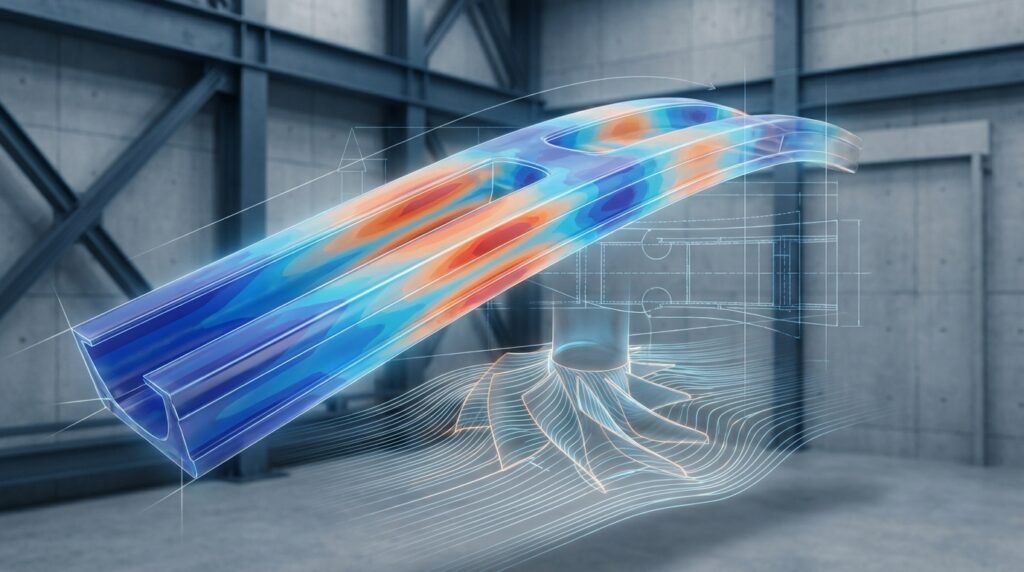
Image: Conceptual illustration of structural optimization on a bridge design. (Source: Wikimedia Commons)
Why Engineering Design Optimization Matters
Design optimization isn’t a luxury; it’s a necessity across many engineering disciplines, from aerospace to oil & gas, and even biomechanics. Here’s why:
- Cost Reduction: By minimizing material usage while maintaining performance, you directly cut manufacturing costs.
- Performance Enhancement: Improve key metrics like strength-to-weight ratio, aerodynamic efficiency (CFD), structural integrity, or vibration damping.
- Material Minimization: Crucial for sustainable engineering and reducing environmental impact. Think lightweighting in automotive or aerospace.
- Compliance & Safety: Ensure designs meet stringent industry standards (e.g., FFS Level 3 for pressure vessels) and regulatory requirements with optimal safety factors.
- Innovation & Competitiveness: Stay ahead by discovering novel design forms and pushing the boundaries of what’s possible.
- Accelerated Design Cycles: Automation and systematic exploration help evaluate more design alternatives faster than traditional trial-and-error.
Types of Design Optimization
Understanding the different types of optimization is key to selecting the right approach for your problem.
Shape Optimization
This method modifies the boundaries of a component to achieve an optimal shape. The basic topology remains the same, but the contours are refined. Think smoothing out fillets or adjusting hole positions to reduce stress concentrations.
- Application: Improving aerodynamic profiles (CFD), reducing stress hotspots in mechanical components.
- Tools: Often integrated into FEA/CFD software like ANSYS Mechanical, Abaqus, or specialized shape optimization modules.
Size Optimization
Size optimization involves adjusting discrete design parameters, such as the thickness of plates, cross-sectional areas of beams, or spring stiffness. The overall geometry and topology are fixed.
- Application: Optimizing beam dimensions in a truss structure for minimal weight, adjusting wall thickness of a pipe for FFS assessments.
- Tools: Can be done with scripting (Python, MATLAB) linked to parametric CAD (CATIA, SolidWorks) and FEA models (MSC Nastran, ANSYS).
Topology Optimization
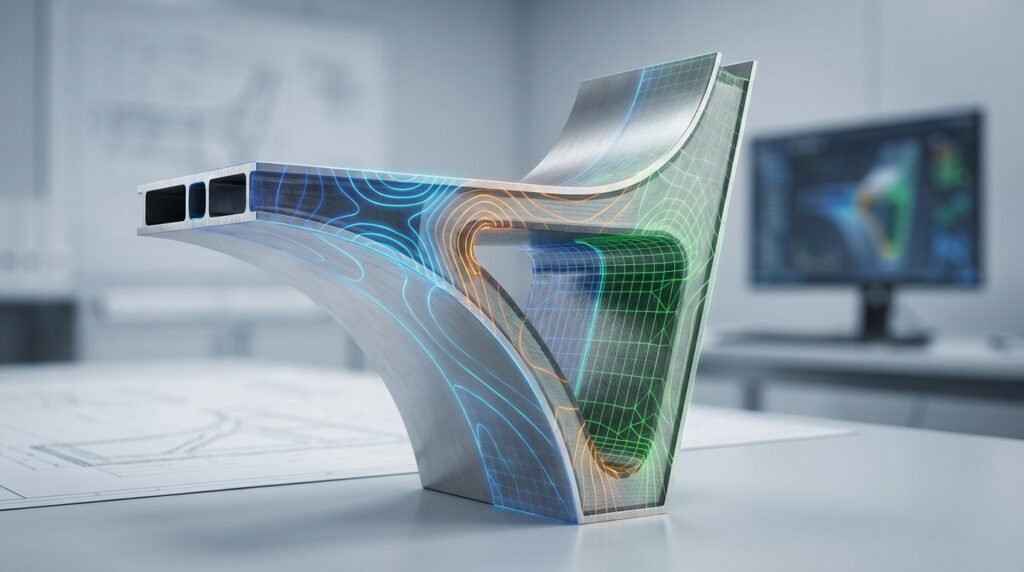
Perhaps the most visually striking form, topology optimization determines the optimal distribution of material within a defined design space for a given set of loads and boundary conditions. It can lead to organic, often biomimetic, structures.
- Application: Lightweighting brackets in aerospace, designing complex lattice structures, optimizing load paths in structural components.
- Tools: Specialized modules like OptiStruct (Altair HyperWorks), TOSCA Structure (Dassault Systèmes), or integrated features in Abaqus and ANSYS.
Multi-Objective Optimization
Many real-world engineering problems involve conflicting objectives. For example, you might want to minimize weight and maximize stiffness. Multi-objective optimization finds a set of ‘Pareto optimal’ solutions, where no objective can be improved without degrading another.
- Application: Designing aircraft wings for minimum drag and maximum lift (CFD), optimizing a car chassis for crashworthiness and weight.
- Tools: Often handled by dedicated optimization platforms like Isight, or through scripting with Python libraries that implement multi-objective algorithms.
Here’s a quick comparison of these optimization types:
| Optimization Type | Design Variable | Typical Outcome | Complexity |
|---|---|---|---|
| Size Optimization | Discrete parameters (thickness, area) | Adjusted component dimensions | Low to Medium |
| Shape Optimization | Boundary nodes/control points | Smoother contours, refined geometry | Medium |
| Topology Optimization | Material density at elements | New load path structure, organic forms | High |
| Multi-Objective Optimization | Combination of above, with multiple goals | Pareto front of trade-off solutions | High |
The Design Optimization Workflow: A Practical Approach
Optimizing a design is a structured process. Here’s a step-by-step guide:
1. Define the Problem Clearly
- Objective Function: What are you trying to minimize or maximize? (e.g., Minimize weight, Maximize stiffness, Minimize stress, Maximize flow rate). Be specific.
- Design Variables: What parameters can you change? (e.g., Plate thickness, Hole diameter, Material type, Boundary coordinates). These are the ‘knobs’ you’ll be turning.
- Constraints: What limits must your design satisfy? (e.g., Maximum stress < yield strength, Displacement < X mm, Total volume < Y, Natural frequency > Z Hz). These are non-negotiable requirements.
- Design Space: For topology optimization, define the region where material can exist.
2. Preprocessing (CAD-CAE Integration)
This is where your CAD model meets your simulation environment.
- Geometry Preparation: Start with a robust CAD model (CATIA, SolidWorks). For optimization, sometimes a simplified or parameterized model is better.
- Material Properties: Accurately define material behavior (elasticity, density, plasticity).
- Boundary Conditions & Loads: Apply realistic loads and restraints. Garbage in, garbage out!
- Meshing Considerations: A quality mesh is paramount. For FEA, consider element type (e.g., hexahedral for topology), element size, and aspect ratio. For CFD (Fluent, CFX, OpenFOAM), ensure boundary layers are adequately captured.
- Parametric Modeling: For size and shape optimization, link your design variables directly to the CAD model parameters. This is where CAD-CAE integration truly shines.
3. Choosing the Right Optimization Algorithm
The choice depends on your problem’s complexity, the nature of your objective function and constraints, and computational budget.
- Gradient-based Algorithms: Efficient for continuous, differentiable problems with a single optimum (e.g., Sequential Quadratic Programming (SQP), Method of Moving Asymptotes (MMA)). They require sensitivity information.
- Gradient-free (Direct Search) Algorithms: Suitable for non-smooth, discontinuous, or ‘black-box’ problems. Can find global optima but are computationally expensive (e.g., Genetic Algorithms (GA), Particle Swarm Optimization (PSO), Simulated Annealing).
4. Setting up the Optimization Study
This involves configuring your chosen software:
- Software Specific Setup: Configure optimization modules in Abaqus, ANSYS Mechanical, Nastran, or standalone tools like Isight. Define your objective, variables, and constraints within the solver’s syntax.
- Design of Experiments (DoE): Before full optimization, DoE can help you understand the design space and identify influential variables with fewer simulations.
- Sensitivity Analysis: Determine how changes in design variables affect the objective and constraints. This guides the optimization process.
5. Running the Optimization
The software iteratively modifies design variables, runs simulations (FEA, CFD), evaluates the objective and constraints, and then proposes new design variations. This can be computationally intensive, especially for complex models or gradient-free methods.
6. Post-processing & Interpretation
- Analyze Results: Review the optimized geometry, stress distributions, displacements, or flow patterns.
- Trade-off Studies: For multi-objective optimization, analyze the Pareto front to understand the compromises between competing objectives.
- Manufacturing Feasibility: Does the optimized design look producible? Topology optimization results often need ‘smoothing’ or ‘reconstruction’ to be manufacturable.
Practical Workflow Example: Optimizing a Structural Bracket
Let’s consider a common scenario: reducing the weight of a structural bracket while ensuring it meets deflection and stress criteria.
-
- Initial CAD Model: Start with your existing bracket design in CATIA.
- FEA Setup: Import the model into Abaqus or ANSYS Mechanical. Define the material (e.g., steel), apply anticipated loads (forces, pressures), and fix its mounting points (boundary conditions).
- Define Optimization Problem:
- Objective: Minimize the mass of the bracket.
- Design Variables: For topology optimization, this would be the material density within a defined design space. For shape optimization, it might be the radii of critical fillets. For size optimization, specific plate thicknesses.
- Constraints: Maximum von Mises stress must be below X MPa; maximum displacement must be below Y mm.
- Run Optimization: Use the built-in optimization module in your chosen FEA software. The solver will iteratively run analyses, remove material from low-stress regions (for topology) or adjust geometry (for shape), until the objectives are met within constraints.
- Post-processing: Inspect the resulting optimized geometry. You might get a ‘skeletal’ structure from topology optimization.
- Reconstruction: Use CAD tools to reconstruct a manufacturable version of the optimized shape, adding necessary features like draft angles or minimum member sizes.
Automation with Python & MATLAB: For more complex or repetitive optimization tasks, Python (with libraries like SciPy, OpenMDAO) or MATLAB (Optimization Toolbox) can be invaluable. You can script the entire workflow:
-
-
- Parametric model generation (e.g., using a CAD API or writing geometry definitions).
- FEA/CFD solver input file generation.
- Automated execution of the solver (e.g., Abaqus Python scripting, ANSYS ACT).
- Extraction of results (stresses, displacements, mass).
- Running the optimization algorithm.
- Visualization of results.
-
This allows for rapid exploration of design spaces and integration with various simulation tools, making multi-disciplinary optimization more feasible. For those interested in mastering such automation, EngineeringDownloads.com offers downloadable Python scripts and templates to kickstart your journey into engineering automation.
Verification & Sanity Checks in Optimization
An optimized design is only as good as its underlying analysis. Verification and validation are non-negotiable.
1. Mesh Sensitivity & Convergence
For FEA/CFD, ensure your simulation results are independent of mesh density. Run the optimized design with finer meshes and check if key results (stress, displacement, flow parameters) change significantly. Similarly, ensure the optimization algorithm itself has converged to a stable solution.
2. Validation of Results
Where possible, validate your optimized design against simplified analytical solutions, previous designs, or illustrative experimental data. Even if you cannot run physical tests, compare its performance against the original design using the same analysis methods. Do the results make physical sense?
3. Robustness Analysis
How sensitive is your optimized design to variations in input parameters (material properties, loads, manufacturing tolerances)? A robust design performs well even with small uncertainties. This often involves running additional simulations with perturbed inputs.
4. Manufacturing Feasibility Review
Always review the optimized design from a manufacturing perspective. Can it be cast, machined, 3D printed, or assembled? Topology optimized designs, especially, often require some manual intervention or advanced manufacturing techniques.
Common Pitfalls and How to Avoid Them
Even with the best tools, optimization can go astray. Here’s what to watch out for:
-
-
- Poorly Defined Problem: Vague objectives, unrealistic constraints, or incorrect design variables will lead to sub-optimal or irrelevant results. Tip: Spend ample time defining your problem statement upfront.
- Inadequate Meshing: A coarse mesh can miss critical stress concentrations or flow features, rendering optimization results inaccurate. Tip: Use mesh refinement studies and local mesh control.
- Local vs. Global Optima: Gradient-based algorithms can get stuck in a local optimum, missing the truly best global solution. Tip: Use multiple starting points, or consider gradient-free methods for global search, though they are computationally more expensive.
- Ignoring Manufacturing Constraints: An optimally designed part that cannot be manufactured is useless. Tip: Integrate manufacturing constraints (e.g., minimum member size, draft angles) directly into the optimization problem definition.
- Over-Optimization (Unrealistic Designs): Pushing optimization too far can lead to designs that are overly complex, fragile, or too expensive to produce. Tip: Implement practical bounds on design variables and sensible safety factors.
- Computational Cost: Complex models and numerous design variables can make optimization runs prohibitively long. Tip: Consider model reduction techniques, parallel computing, or surrogate models (response surface methodology).
-
Tools of the Trade for Design Optimization
A suite of software is often employed for a complete design optimization workflow:
-
-
- CAD Software: CATIA, SolidWorks, Autodesk Inventor for initial geometry creation and parametric control.
- CAE Software (FEA/CFD):
- FEA: Abaqus, ANSYS Mechanical, MSC Nastran/Patran, LS-DYNA for structural analysis.
- CFD: ANSYS Fluent/CFX, OpenFOAM for fluid dynamics and thermal analysis.
- Dedicated Optimization Software/Modules:
- Altair HyperWorks (OptiStruct, HyperMesh)
- Dassault Systèmes (SIMULIA Tosca Structure, Isight)
- Modules within Abaqus (Abaqus/Topology Optimization) and ANSYS (DesignXplorer).
- Programming & Scripting:
- Python: Highly versatile for scripting, automation, post-processing, and implementing custom optimization algorithms (SciPy, OpenMDAO, NumPy, Matplotlib).
- MATLAB: Excellent for mathematical modeling, algorithm development, and its robust Optimization Toolbox.
- Multi-Body Dynamics (MBD): ADAMS, RecurDyn for optimizing mechanisms and dynamic systems.
-
Taking Your Skills Further
Design optimization is a powerful skill. Mastering it requires a blend of engineering principles, computational savvy, and practical experience. If you’re looking to deepen your expertise, particularly in applying Python for engineering automation or tackling complex FFS Level 3 problems, consider exploring the specialized resources and online consultancy services available at EngineeringDownloads.com. We offer tailored guidance to help you navigate your specific engineering challenges.