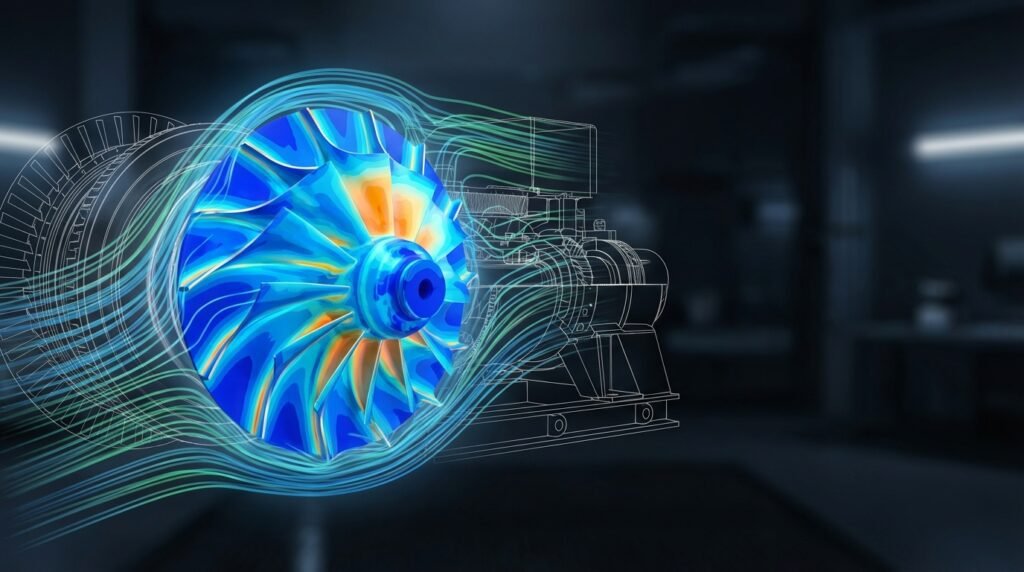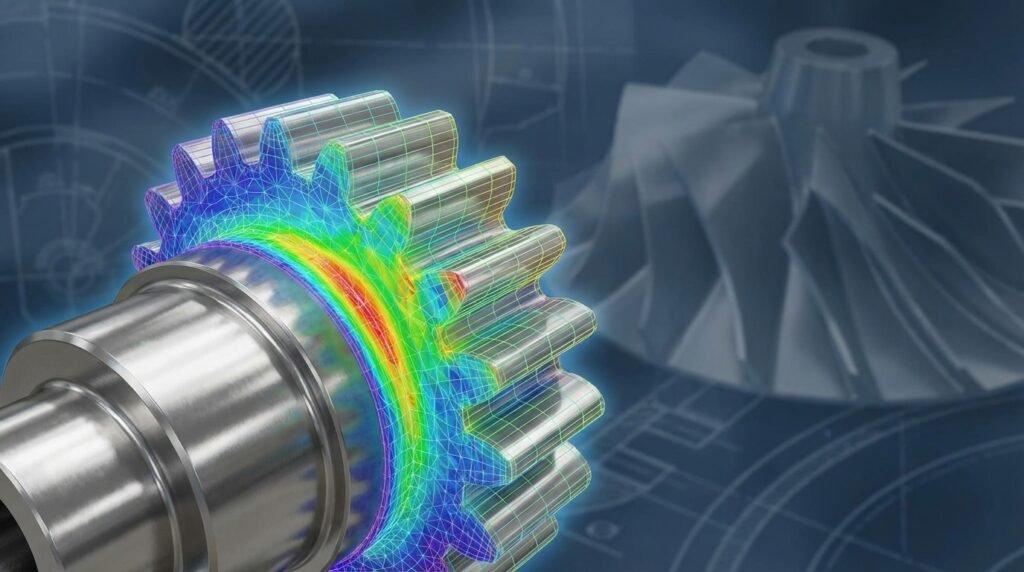
Artificial Intelligence (AI) is no longer just a futuristic concept; it’s rapidly becoming an indispensable tool in Computer-Aided Engineering (CAE). For engineers working with intricate simulations like Finite Element Analysis (FEA) and Computational Fluid Dynamics (CFD), AI offers a powerful pathway to accelerate processes, enhance accuracy, and unlock novel design possibilities. This article dives into the practical aspects of integrating AI into your CAE workflows, providing actionable insights for structural engineers, fluid dynamics specialists, and anyone leveraging simulation for product development and structural integrity assessments.

Image Credit: Mike MacKenzie via Wikimedia Commons, CC BY 2.0
What is AI in CAE?
AI in CAE refers to the application of artificial intelligence, machine learning (ML), and deep learning (DL) techniques to various stages of the simulation and analysis pipeline. This isn’t about replacing engineers, but empowering them with intelligent tools to handle complex tasks more efficiently. Think of it as a sophisticated assistant that can learn from vast amounts of data, identify patterns, and make informed predictions or recommendations.
Key AI Components Relevant to CAE
- Machine Learning (ML): Algorithms that allow systems to learn from data without explicit programming. Common types include supervised, unsupervised, and reinforcement learning.
- Deep Learning (DL): A subset of ML that uses neural networks with multiple layers (deep networks) to learn complex patterns, especially useful for image recognition, natural language processing, and, increasingly, physics-based problems.
- Surrogate Models (Reduced Order Models – ROMs): AI-trained simplified models that mimic the behavior of complex, high-fidelity simulations, providing rapid approximations.
Why AI is a Game-Changer for Engineers
The integration of AI into CAE workflows offers several compelling advantages that directly impact project timelines, costs, and the quality of engineering designs.
Accelerated Simulation Time
Traditional FEA or CFD simulations can be computationally intensive, often taking hours or even days to run. AI-powered surrogate models can predict outcomes in seconds, allowing for rapid design iteration and exploration of a much larger design space.
Enhanced Accuracy and Robustness
AI can assist in optimizing mesh quality, identifying critical simulation parameters, and even detecting anomalies in results that might be missed by manual inspection. This leads to more reliable and robust analyses, crucial for applications like FFS Level 3 assessments.
Automated Pre- and Post-processing
Many laborious tasks in CAE, such as mesh generation, boundary condition setup, and post-processing interpretation, can be automated or significantly expedited using AI. This frees up engineers to focus on higher-value tasks.
Unlocking Design Optimization
AI facilitates advanced optimization techniques, including generative design and topology optimization. Instead of iteratively refining a design, AI can propose entirely new, optimal geometries based on performance criteria.
Key Applications of AI in CAE
AI’s reach extends across the entire CAE spectrum, from initial design concepts to long-term structural health monitoring.
Pre-processing Efficiency
- Automated Mesh Generation: AI can learn optimal meshing strategies for various geometries, generating high-quality meshes (e.g., in Abaqus, ANSYS Mechanical, OpenFOAM) faster and with fewer errors.
- Material Property Prediction: Especially for complex materials like composites or alloys, AI can predict mechanical properties based on microstructural data, saving costly experimental testing. This is vital in aerospace and automotive industries.
- Boundary Condition (BC) & Load Prediction: AI models can learn to infer appropriate BCs and loads from CAD models or operational data, reducing setup time and improving realism.
Solver Acceleration & Surrogate Modeling
- Reduced Order Models (ROMs): For structural analysis or fluid dynamics, AI can create ROMs that mimic the full solver’s behavior with significantly less computational cost. This is invaluable for parametric studies or real-time control applications.
- Smart Iteration Guidance: AI can suggest optimal solver settings or convergence criteria, leading to faster and more stable simulations in tools like ANSYS Fluent/CFX.
Post-processing & Data Interpretation
- Automated Anomaly Detection: AI can quickly scan simulation results to highlight unusual stress concentrations, flow separations, or unexpected behaviors, flagging potential issues.
- Critical Region Identification: AI can learn to pinpoint areas of interest (e.g., fatigue-prone zones, high-temperature regions) from complex result sets, streamlining the review process.
- Data Visualization & Insight: AI can help distill massive datasets into actionable insights, making complex CFD or FEA results more understandable.
Design Optimization & Generative Design
- Topology Optimization: AI enhances traditional topology optimization, allowing for more nuanced constraint handling and material distribution for lightweight yet strong designs, often seen in aerospace components.
- Generative Design: AI algorithms can automatically generate multiple design alternatives that meet specified performance criteria, pushing the boundaries of traditional CAD (e.g., in CATIA’s generative features).
Predictive Maintenance & Structural Health Monitoring
By integrating sensor data with CAE models and AI, engineers can predict the remaining useful life of components. This is crucial for structural integrity assessments in oil & gas pipelines, aircraft structures, and bridges, often falling under advanced FFS (Fitness-for-Service) Level 3 methodologies. AI can identify precursors to failure by analyzing deviations from expected CAE behaviors.
Practical Workflow: Integrating AI into Your CAE Pipeline
Adopting AI in CAE doesn’t mean discarding your existing tools. It’s about augmenting them. Here’s a practical workflow:
- Define the Problem & Data Needs: Identify a specific bottleneck in your CAE process where AI can add value (e.g., slow parametric studies, manual mesh cleanup). Determine what data you have or can generate (simulation results, experimental data, material properties).
- Data Collection & Pre-processing: Gather your data. This is often the most time-consuming step. Use Python scripting or MATLAB for automating data extraction from CAE output files (e.g., Abaqus ODB, ANSYS RST, OpenFOAM post-processed results) and preparing it for AI training.
- Model Selection & Training: Choose an appropriate AI model (e.g., a neural network for surrogate modeling, a decision tree for classification). Use libraries like TensorFlow, PyTorch, or scikit-learn in Python, or MATLAB’s Deep Learning Toolbox, to train your model.
- Integration with CAE Tools:
- Pre-solver: Use Python scripts to prepare AI-generated inputs (e.g., mesh parameters, material laws) for your solver (e.g., ANSYS Mechanical input decks, OpenFOAM dictionaries).
- During Solver (Hybrid): If using AI for ‘smart’ iteration or adaptive meshing, integrate it into the solver’s API or through external scripting that interacts with the solver.
- Post-solver: Deploy AI models to analyze results from tools like Abaqus, Fluent/CFX, or MSC Nastran, identifying critical areas or predicting performance metrics.
- Validation & Deployment: Rigorously validate your AI model’s predictions against high-fidelity simulations or experimental data. Once satisfied, deploy it as a tool or an integrated module within your workflow.
- Iteration & Refinement: AI models are not static. Continuously monitor their performance, collect more data, and retrain them to improve accuracy and adaptability.
Consider downloading our Python scripts and MATLAB templates from EngineeringDownloads.com to help jumpstart your AI data pre-processing and post-analysis efforts.
Verification & Sanity Checks for AI-Enhanced CAE
While AI offers immense power, it’s crucial to apply engineering judgment and rigorous verification to ensure reliable results. Remember, ‘garbage in, garbage out’ applies to AI too.
Essential Checks:
- Data Quality Assessment: Ensure the training data is accurate, representative, and covers the full range of your design space. Inaccurate or biased data will lead to flawed AI predictions.
- Physical Plausibility: Do the AI predictions make physical sense? A surrogate model predicting negative stress under tension or infinite deflections should immediately raise a red flag. Always cross-reference with fundamental engineering principles.
- Sensitivity Analysis: Understand how sensitive your AI model’s output is to changes in its input parameters. This helps identify critical inputs and potential vulnerabilities.
- Validation Against High-Fidelity Models/Experiments: Periodically validate AI predictions against full, trusted CAE simulations (e.g., a detailed FEA in Abaqus) or, ideally, physical test data. This builds confidence in the AI model’s accuracy.
- Extrapolation Limits: AI models, especially those based on interpolation, perform poorly when asked to predict outside the range of their training data. Be acutely aware of your model’s limits.
- Convergence Criteria (for AI-guided solvers): If AI is influencing solver iterations or adaptive meshing, ensure standard convergence checks (e.g., solution stability, residual norms) are still met.
Common Challenges and How to Overcome Them
Adopting AI in CAE comes with its own set of hurdles.
Data Scarcity
- Challenge: High-fidelity CAE data is expensive to generate; experimental data even more so.
- Overcome: Employ data augmentation techniques, leverage transfer learning from publicly available datasets, or strategically generate data using design of experiments (DoE) methods.
Interpretability & Trust (The ‘Black Box’ Problem)
- Challenge: Many AI models, especially deep learning ones, can be opaque, making it hard to understand why they made a particular prediction. This erodes trust.
- Overcome: Use Explainable AI (XAI) techniques (e.g., SHAP, LIME) to gain insights into model decisions. Combine AI with physics-informed models (PINNs) where possible, ensuring predictions adhere to physical laws.
Computational Resources
- Challenge: Training complex AI models can require significant GPU power and cloud resources.
- Overcome: Start with simpler models, optimize your code, or utilize cloud computing platforms. Focus on specific, high-impact problems rather than trying to AI-enable everything at once.
Integration Complexity
- Challenge: Connecting AI models with commercial CAE software (Abaqus, ANSYS, MSC Nastran) can be difficult due to proprietary formats and APIs.
- Overcome: Leverage Python/MATLAB scripting capabilities offered by most CAE tools. Utilize open-source platforms like OpenFOAM for more flexible integration. Invest time in building robust data pipelines.
Getting Started: Tools and Skills
To embark on your AI-in-CAE journey, focus on foundational skills and relevant tools:
Key Skills
- Solid Engineering Fundamentals: A deep understanding of FEA, CFD, mechanics of materials, and structural integrity is paramount. AI augments, it doesn’t replace.
- Programming Proficiency: Python is the de-facto standard for AI/ML. MATLAB is also widely used, especially in academic and research settings.
- Data Science & ML Basics: Understand data cleaning, feature engineering, model training, and validation.
Essential Tools
- Programming Environments: Python (with libraries like NumPy, Pandas, Scikit-learn, TensorFlow/PyTorch) or MATLAB (with its Deep Learning Toolbox, Statistics and Machine Learning Toolbox).
- CAE Software: Continue using industry standards like Abaqus, ANSYS Mechanical, ANSYS Fluent/CFX, OpenFOAM, MSC Patran/Nastran, ADAMS, and CATIA. Focus on how to interact with their scripting interfaces.
- Cloud Platforms: AWS, Google Cloud, Azure for scalable computing resources.
The Future of AI in CAE
The synergy between AI and CAE is still in its early stages, but its potential is vast. We can anticipate:
- Autonomous Design: Systems that can autonomously generate, analyze, and optimize designs with minimal human intervention.
- Digital Twins: More sophisticated digital twins that integrate real-time sensor data, high-fidelity CAE models, and AI for predictive maintenance and real-time performance optimization in industries like oil & gas and aerospace.
- Personalized Engineering: In biomechanics, AI will enable the rapid generation of patient-specific implants or surgical guides based on medical imaging and simulated performance.
Embracing AI isn’t just about adopting a new technology; it’s about evolving your engineering practice to stay at the forefront of innovation. For personalized guidance on implementing AI in your specific CAE projects or for tailored Python/MATLAB scripts, consider exploring the online consultancy and tutoring options at EngineeringDownloads.com.
Comparing Traditional vs. AI-Enhanced CAE Workflows
Here’s a snapshot of how AI can transform typical CAE steps:
| Workflow Stage | Traditional CAE Approach | AI-Enhanced CAE Approach |
|---|---|---|
| Pre-processing (Meshing) | Manual mesh generation, significant engineer time for cleanup and quality checks. | AI-driven auto-meshing, smart mesh quality assessment, rapid parameterization. |
| Simulation (Solving) | Full, high-fidelity FEA/CFD solve; computationally intensive, lengthy run times. | AI surrogate models (ROMs) for rapid predictions; AI-guided solver convergence. |
| Design Exploration | Manual iterative changes, limited design variants explored due to time constraints. | Generative design algorithms, rapid design iteration via surrogate models, topology optimization. |
| Post-processing | Manual review of plots, identification of critical regions, qualitative interpretation. | AI for automated anomaly detection, quantitative insight extraction, automated report generation. |
| Optimization | Gradient-based or evolutionary algorithms, often requiring many full simulations. | AI-driven optimization with surrogate models, significantly faster convergence to optimal designs. |
| Structural Integrity/FFS | Rigorous, often manual, analysis for defect assessment and remaining life. | AI integrates sensor data with CAE for predictive maintenance, intelligent FFS assessments. |
Further reading: For an in-depth look at physics-informed neural networks (PINNs), a cutting-edge field marrying AI and physics, explore resources from reputable institutions or software vendors like ANSYS: What are Physics-Informed Neural Networks?