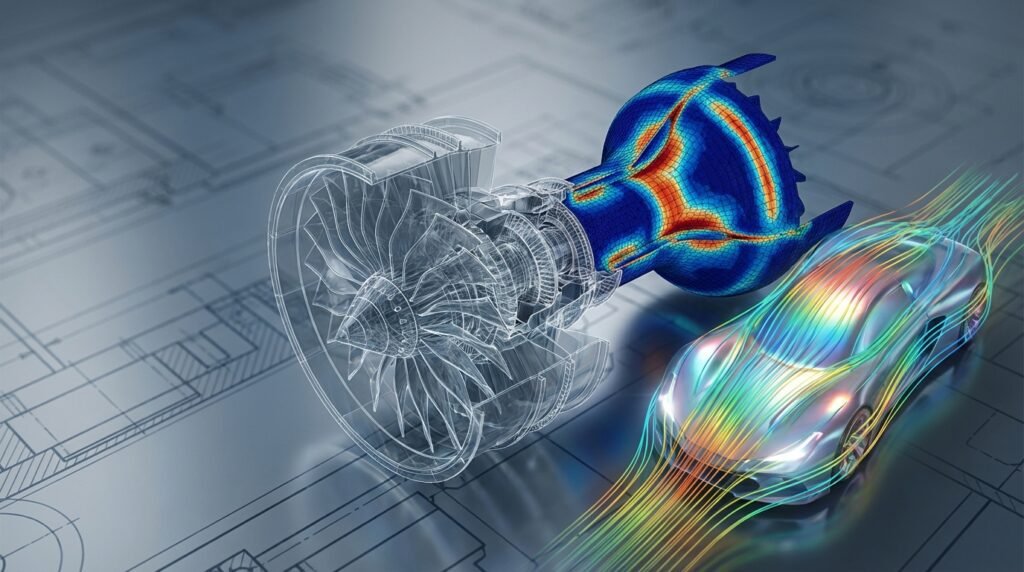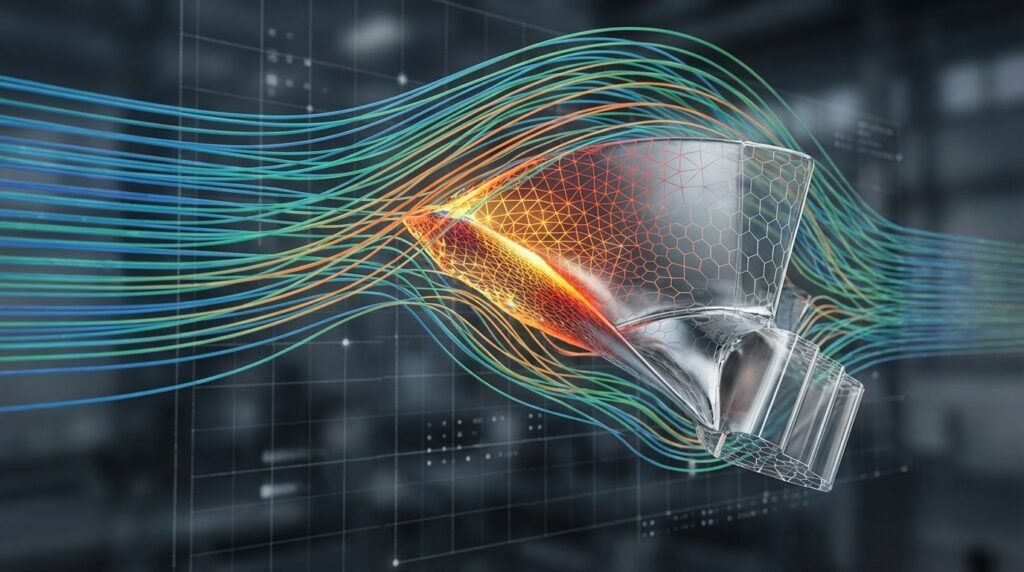
In the vast world of engineering, understanding how different physical phenomena interact is crucial for designing safe, efficient, and robust systems. Among these interactions, the interplay between fluids and solid structures—known as Fluid-Structure Interaction (FSI)—stands out as particularly complex and critical. From the rhythmic flutter of an aircraft wing to the pulsed flow through a biomedical valve, FSI governs a myriad of engineering challenges. This article will demystify FSI coupling, providing practical insights, workflow guidance, and actionable tips for engineers looking to master this essential multiphysics domain.

Fluid-Structure Interaction diagram showing coupled fluid and structural domains. Via Wikimedia Commons.
What is FSI Coupling? The Dance Between Fluids and Solids
At its core, FSI coupling describes any scenario where a fluid’s motion impacts a structure’s deformation, and simultaneously, the structure’s deformation influences the fluid’s flow. Think of it as a continuous two-way conversation between the fluid and the solid, where each ‘speaks’ and ‘listeners’ to the other’s response.
- Fluid Dynamics (CFD): This discipline focuses on analyzing fluid flow, pressure, velocity, and temperature fields. Mastering Computational Fluid Dynamics (CFD) Techniques is often the first step in FSI.
- Structural Mechanics (FEA): This branch deals with the deformation, stress, and strain within solid bodies under various loads. For more on optimizing your structural analyses, see our guide on Finite Element Analysis (FEA) Best Practices.
When these two domains are linked, we unlock a deeper understanding of real-world phenomena that neither CFD nor FEA can fully capture in isolation.
Why FSI Matters: Real-World Applications & Industries
FSI is not just an academic curiosity; it’s a vital tool across numerous industries. Ignoring FSI effects can lead to catastrophic failures, inefficient designs, or missed optimization opportunities. Here’s where FSI coupling shines:
- Aerospace Engineering: Understanding wing flutter, aeroelasticity, landing gear behavior, and turbine blade vibrations is paramount for aircraft safety and performance.
- Oil & Gas (O&G): Analyzing vortex-induced vibrations (VIV) in risers and pipelines, flow-induced oscillations in offshore structures, and pipeline integrity under varying flow conditions. This falls directly into Structural Integrity Assessment for Engineers and FFS Level 3 assessments.
- Biomechanics: Modeling blood flow through arteries and heart valves, the interaction of implants with biological tissues, and the mechanics of human vocal cords.
- Civil Engineering: Wind loading on tall buildings, bridge aerodynamics, and hydrodynamic forces on dams or marine structures.
- Automotive Industry: Tire hydroplaning, vibration of exhaust systems, and occupant safety in crashes involving fluid-filled components.
- Energy Sector: Performance of wind turbine blades, hydroturbines, and heat exchangers.
Understanding the Mechanics: Fluid & Structure Interaction
To appreciate FSI, we need a basic grasp of the individual components.
Fluid Dynamics Basics
Computational Fluid Dynamics (CFD) solves the Navier-Stokes equations to predict fluid behavior. Key parameters include:
- Pressure: Exerted by the fluid on the solid surface.
- Shear Stress: Frictional forces due to fluid viscosity.
- Velocity: How fast the fluid is moving.
These forces act as loads on the structural component.
Structural Mechanics Basics
Finite Element Analysis (FEA) solves for structural response using equilibrium equations. Key outcomes are:
- Deformation: How much the structure changes shape.
- Stress: Internal forces within the material.
- Strain: Deformation relative to the original shape.
The structure’s deformation changes the fluid domain, thus altering the fluid flow and the forces it exerts.
Types of FSI Coupling: A Spectrum of Interaction
Not all FSI problems are created equal. The degree of interaction dictates the complexity of the simulation setup.
One-Way FSI Coupling
In one-way coupling, the fluid affects the structure, but the structure’s deformation does not significantly alter the fluid flow. This is a simplification used when:
- The structure is very stiff compared to the fluid forces.
- The deformations are extremely small and have negligible impact on the fluid domain.
Workflow: Perform a CFD simulation first to calculate fluid pressures and shear stresses. Then, apply these calculated loads as boundary conditions to an FEA structural simulation. Tools like ANSYS Fluent or OpenFOAM for CFD, coupled with ANSYS Mechanical or Abaqus for FEA, can easily handle this.
Two-Way (Weak) FSI Coupling
Here, the fluid affects the structure, and the structure’s deformation does affect the fluid, but the interaction is not highly transient or tightly coupled at every time step. Data is exchanged iteratively at certain intervals or after a number of sub-iterations within a time step.
Workflow: CFD and FEA solvers run concurrently, exchanging data (forces from fluid to structure, displacements from structure to fluid) at the interface. This requires a coupling algorithm to manage the data transfer. This approach is more robust than one-way coupling for cases where the interaction is significant but not dominant.
Two-Way (Strong) FSI Coupling
This is the most comprehensive and computationally intensive approach. It’s used when the fluid and structure interact significantly and dynamically, requiring a tight, iterative exchange of information at every time step to maintain stability and accuracy.
- Rapidly deforming structures (e.g., heart valves).
- Highly flexible structures in strong flows (e.g., parachute deployment, turbine blades).
- Aeroelastic phenomena like flutter.
Workflow: Requires sophisticated co-simulation strategies where both solvers (CFD and FEA) run simultaneously, exchanging interface data multiple times within each time step until convergence is achieved. This ensures that the forces and displacements are in equilibrium at the FSI interface at every moment in the simulation.
The Multiphysics Challenge: Why FSI is Complex
FSI coupling presents several unique challenges that distinguish it from single-physics simulations. For a broader understanding, dive into Multiphysics Simulation Workflows.
- Computational Expense: Running coupled CFD and FEA simulations simultaneously can be extremely demanding on computational resources, especially for transient, strong coupling problems with fine meshes.
- Meshing & Interface Issues: Generating compatible meshes at the fluid-structure interface and ensuring accurate data transfer (interpolation) between potentially dissimilar meshes is critical. The mesh deformation in the fluid domain also needs careful handling.
- Temporal & Spatial Scales: Fluids often operate on different time scales (e.g., micro-seconds for pressure waves) compared to structures (e.g., milliseconds for mechanical vibrations), making time step selection crucial. Spatial scales can also differ vastly.
- Solver Stability & Convergence: Achieving stable and converged solutions in two-way FSI can be challenging. Numerical instabilities can arise due to the iterative coupling, especially with strong interactions.
Tools of the Trade: Software for FSI Analysis
A range of powerful software packages, both commercial and open-source, are available for FSI analysis.
Commercial FSI Software
- ANSYS: A leading suite with robust FSI capabilities, often combining ANSYS Fluent (CFD) with ANSYS Mechanical (FEA). It offers various coupling schemes, including system coupling.
- Abaqus (Dassault Systèmes SIMULIA): Known for its advanced structural analysis, Abaqus/Standard and Abaqus/Explicit can be coupled with Abaqus/CFD for comprehensive FSI simulations.
- COMSOL Multiphysics: Designed from the ground up for multiphysics simulations, COMSOL offers a highly integrated environment for FSI, making setup intuitive for many problems.
- MSC Software (MSC Nastran, Marc): Provides capabilities for structural analysis that can be coupled with external CFD solvers or its own CFD modules.
Open-Source FSI Solutions
- OpenFOAM: A powerful open-source CFD toolbox. It can be coupled with open-source FEA solvers like CalculiX or MBDyn, often through specialized FSI libraries like preCICE, or via custom Python scripts for data exchange.
- FENICS: A finite element method platform that can be extended for FSI problems, particularly useful for researchers and custom solution development.
Scripting & Automation
Even with commercial software, Python and MATLAB are invaluable for:
- Pre-processing: Automating geometry generation, mesh manipulation, and boundary condition assignment.
- Post-processing: Extracting specific results, generating custom plots, and performing statistical analysis.
- Parameter Studies: Running multiple simulations with varying inputs for optimization or sensitivity analysis.
- Custom Coupling: Developing bespoke data transfer scripts between different solvers for advanced or niche FSI problems.
For engineers seeking to streamline their CAD-CAE workflows or implement custom FSI coupling strategies, EngineeringDownloads.com offers expert tutoring and online consultancy services, along with downloadable Python scripts and MATLAB templates tailored for simulation automation. More on this can be found in our section on Python & MATLAB Automation for Engineers.
Practical Workflow: A Step-by-Step Guide to FSI Simulation
A systematic approach is key to successful FSI analysis. Here’s a typical workflow:
1. Problem Definition & Scope
- Identify Objectives: What do you want to learn? (e.g., maximum stress, deformation, fluid-induced vibration frequency).
- Determine Coupling Type: Is one-way, weak two-way, or strong two-way coupling necessary? This is the most crucial decision and depends on the expected interaction.
- Define System Boundaries: Clearly delineate the fluid domain, the structural domain, and their common interface.
2. Geometry & Meshing
High-quality meshes are non-negotiable for FSI. The interface mesh alignment is particularly critical.
Fluid Domain Meshing
- Use appropriate mesh types (e.g., hex-dominant for boundary layers, tetra for complex geometries).
- Refine the mesh in regions of high fluid gradients (e.g., near the structure, wake regions).
- Consider dynamic meshing capabilities if large structural deformations are expected.
Structural Domain Meshing
- Apply fine mesh in regions of high stress concentration or expected large deformation.
- Ensure mesh quality metrics meet solver requirements (e.g., aspect ratio, skewness).
FSI Interface Meshing
- Ideally, the fluid and structural meshes should be conformal or nearly conformal at the interface for accurate data transfer.
- If non-conformal, ensure robust interpolation schemes are used.
3. Material Models & Boundary Conditions
- Fluid Properties: Density, viscosity, compressibility (if applicable). Define inlet/outlet conditions (velocity, pressure), wall conditions.
- Structural Properties: Young’s modulus, Poisson’s ratio, density. Define structural supports (fixed, constrained).
- FSI Interface: Define the common interface between fluid and structure in both solvers. This is where forces and displacements will be exchanged.
4. Coupling Strategy & Solver Setup
Partitioned vs. Monolithic Approaches
- Partitioned: Uses separate, specialized CFD and FEA solvers coupled via a transfer algorithm. This is the most common approach with commercial tools (e.g., ANSYS System Coupling, Abaqus Co-simulation).
- Monolithic: Solves both fluid and structural equations within a single solver. Less common for complex problems but can offer better stability for certain tightly coupled scenarios.
Data Transfer & Interpolation
- Mapping Schemes: Understand how fluid forces are mapped onto structural nodes and how structural displacements are mapped back to the fluid mesh.
- Interpolation Methods: From nearest neighbor to radial basis functions, the choice impacts accuracy and computational cost.
5. Running the Simulation
- Transient vs. Steady-State: Most FSI problems, especially two-way coupled ones, are transient, requiring careful time step selection.
- Solver Settings: Configure convergence criteria, iteration limits, and relaxation factors for both individual solvers and the coupling algorithm.
- Monitoring: Track key parameters (e.g., interface forces, displacements, residuals) during the solve to ensure stability and convergence.
6. Post-Processing & Interpretation
- Visualize fluid flow, pressure contours, velocity vectors, and structural deformation, stress, and strain.
- Extract quantitative data: maximum stresses, natural frequencies, pressure drops, lift/drag forces.
- Compare results against theoretical predictions, experimental data, or previous simulations if available.
Verification & Sanity Checks for Robust FSI Results
Never trust a simulation blindly. Implement rigorous checks:
| Check Type | Description | Why it’s Important |
|---|---|---|
| Mesh Sensitivity | Run with progressively finer meshes for both fluid and structure. | Ensures results are independent of mesh density and accurately capture gradients. |
| Boundary Condition Review | Verify all applied BCs are physically realistic and correctly defined. | Incorrect BCs can lead to erroneous or non-physical simulation outcomes. |
| Convergence Checks | Monitor residuals and interface values (forces, displacements) to ensure stability. | Guarantees that the solution has reached a stable state and not diverging or oscillating. |
| Physical Plausibility | Apply engineering judgment: Do deformations and flow patterns make sense? | Helps detect errors or misinterpretations that may not be obvious from numerical data alone. |
| Validation | Compare simulation results against analytical solutions, experimental data, or benchmarks. | The ultimate test of model accuracy and predictive capability. |
| Sensitivity Analysis | Vary key input parameters (e.g., fluid velocity, material properties) slightly. | Identifies critical parameters and assesses the robustness of the design. |
Common Pitfalls and How to Avoid Them
Even experienced engineers can stumble with FSI. Here are common mistakes and how to prevent them:
- Inappropriate Coupling Type: Using one-way coupling when two-way is required can lead to inaccurate or unsafe designs. Assess the interaction carefully.
- Poor Mesh Quality at the Interface: Leads to inaccurate data transfer and solver instability. Invest time in interface mesh generation and quality.
- Incorrect Material Properties: Using linear elastic models for highly deformable materials or neglecting non-linear fluid properties can skew results.
- Unstable Solvers: Poor time step selection, aggressive relaxation factors, or unsuitable coupling algorithms can cause divergence. Start with smaller time steps and conservative settings.
- Neglecting Transient Effects: Many FSI phenomena are inherently dynamic. Assuming steady-state when transient effects are significant will yield wrong results.
Tips for Optimizing FSI Simulations
- Start Simple: Begin with a simplified 2D or 2.5D model to establish a stable workflow before moving to complex 3D scenarios.
- Leverage Submodeling: If only a specific region of the structure or fluid is critical for FSI, use submodeling techniques to focus computational power where it’s most needed.
- Parallel Computing: FSI simulations are prime candidates for high-performance computing (HPC). Utilize multi-core processors and clusters to reduce solve times significantly.
- Automate with Python/MATLAB: For repetitive tasks or complex parametric studies, scripting can save immense time and reduce human error.
EngineeringDownloads.com is committed to empowering engineers with practical knowledge and tools. Explore our resources for downloadable templates, project files, and advanced Python & MATLAB scripts to accelerate your FSI analysis journey. If you need personalized guidance, our expert tutors and consultants are ready to assist you in mastering complex engineering simulations.
FAQ: FSI Coupling Explained
What is the main difference between one-way and two-way FSI coupling?
One-way FSI considers fluid forces acting on a structure, but the structure’s deformation doesn’t significantly influence the fluid flow. Two-way FSI, however, accounts for the mutual interaction, where fluid forces deform the structure, and that deformation, in turn, changes the fluid flow, requiring a more complex, iterative solution.
When should I consider FSI in my engineering analysis?
You should consider FSI when the deformation of a structure significantly alters the surrounding fluid flow, or when fluid forces are strongly dependent on the structure’s shape and motion. Common examples include flexible structures in strong currents, aerospace flutter, and biomedical devices like heart valves or arteries, as well as critical components in Oil & Gas like risers.
What are the primary software tools used for FSI simulations?
Leading commercial tools include ANSYS (combining Fluent for CFD with Mechanical for FEA), Abaqus (Dassault Systèmes SIMULIA for Abaqus/CFD and structural analysis), and COMSOL Multiphysics. For open-source solutions, OpenFOAM (for CFD) can be coupled with various FEA solvers like CalculiX or FENICS, often facilitated by coupling libraries such as preCICE.
What are the biggest challenges in performing FSI simulations?
Key challenges include high computational cost, generating compatible and high-quality meshes at the fluid-structure interface, ensuring stable and converged solutions due to differing time and spatial scales, and accurate data transfer/interpolation between fluid and structural solvers. Managing dynamic meshes for large deformations is also a significant hurdle.
How important is mesh quality in FSI analysis?
Mesh quality is paramount in FSI analysis, especially at the fluid-structure interface. Poor mesh quality can lead to inaccurate load transfer, numerical instabilities, divergence, and erroneous results. A fine, high-quality mesh in critical regions, with good orthogonality and aspect ratio, and often conformal meshes at the interface, are crucial for robust and accurate FSI simulations.
Can I use Python or MATLAB for FSI?
Yes, Python and MATLAB are invaluable for enhancing FSI workflows. They are excellent for automating pre-processing (geometry generation, mesh manipulation, boundary condition assignment), post-processing (data extraction, visualization, custom plots), and even for developing custom coupling scripts between open-source solvers like OpenFOAM and CalculiX. They significantly streamline CAD-CAE workflows.
Further Reading
For a deeper dive into the theoretical and practical aspects of Fluid-Structure Interaction, explore resources such as academic research groups specializing in computational mechanics, like this one from Dartmouth Engineering on Fluid-Structure Interaction.